MICHAEL SHAINBLUM / PHOTOGRAPHY TUTORIALS
Get more out of your RAW files
The Lightroom
Masterclass
Learn to bring out the light, color, and atmosphere in your photos. I’ll walk you through my Lightroom workflow on landscape, seascape, cityscape, and Milky Way images, from the first adjustments to the finishing touches.
29 LESSONS / 3 HOURS 45 MINUTES
Recorded in an earlier version of Lightroom Classic. An amendment file has been added to the course to show any new tools.
$199 $90 USD
Add to Cart
Plus applicable taxes.
The Lightroom Masterclass · Michael Shainblum
What I’ll show you
Bring back the light you remember.
A RAW file can look flat, even when the scene was incredible. I’ll show you how I bring back the contrast, color, and atmosphere, while keeping an eye on what makes the photograph work.
You’ll learn how to balance bright skies and dark foregrounds, make selective adjustments, merge HDRs and panoramas, and handle challenging night sky files. We’ll also look at when a subtle edit is enough.
Lessons 01–07
Start with the basics
We’ll get your photos organized, find our way around the Develop module, and cover the tools you’ll use throughout the course.
01 Introduction
02 Getting to know Lightroom
03 Organizing, rating, and culling
04 Finding your way around
05 Selection tools and the Basic panel
06 Understanding the color correction tools
07 Sharpening, noise reduction, vignettes, and export
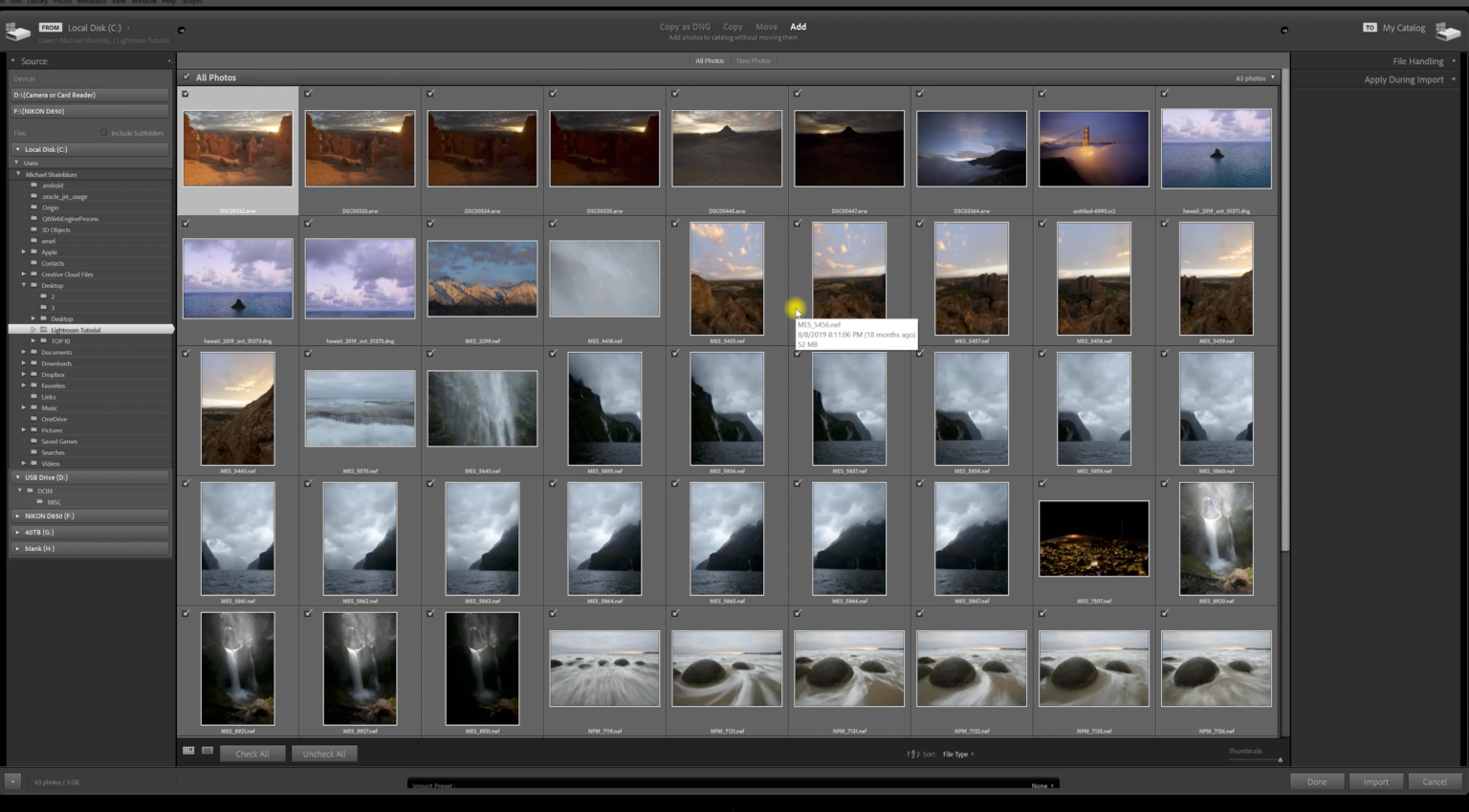
Inside the course: organizing photographs in Lightroom.
Lessons 08–10
HDR and panoramas
I’ll show you how I merge exposures and stitch panoramas, troubleshoot common problems, and use Photoshop when a little extra help is needed.
08 Using HDR Merge
09 Using Panorama Stitch
10 Bonus: Transform and Warp in Photoshop
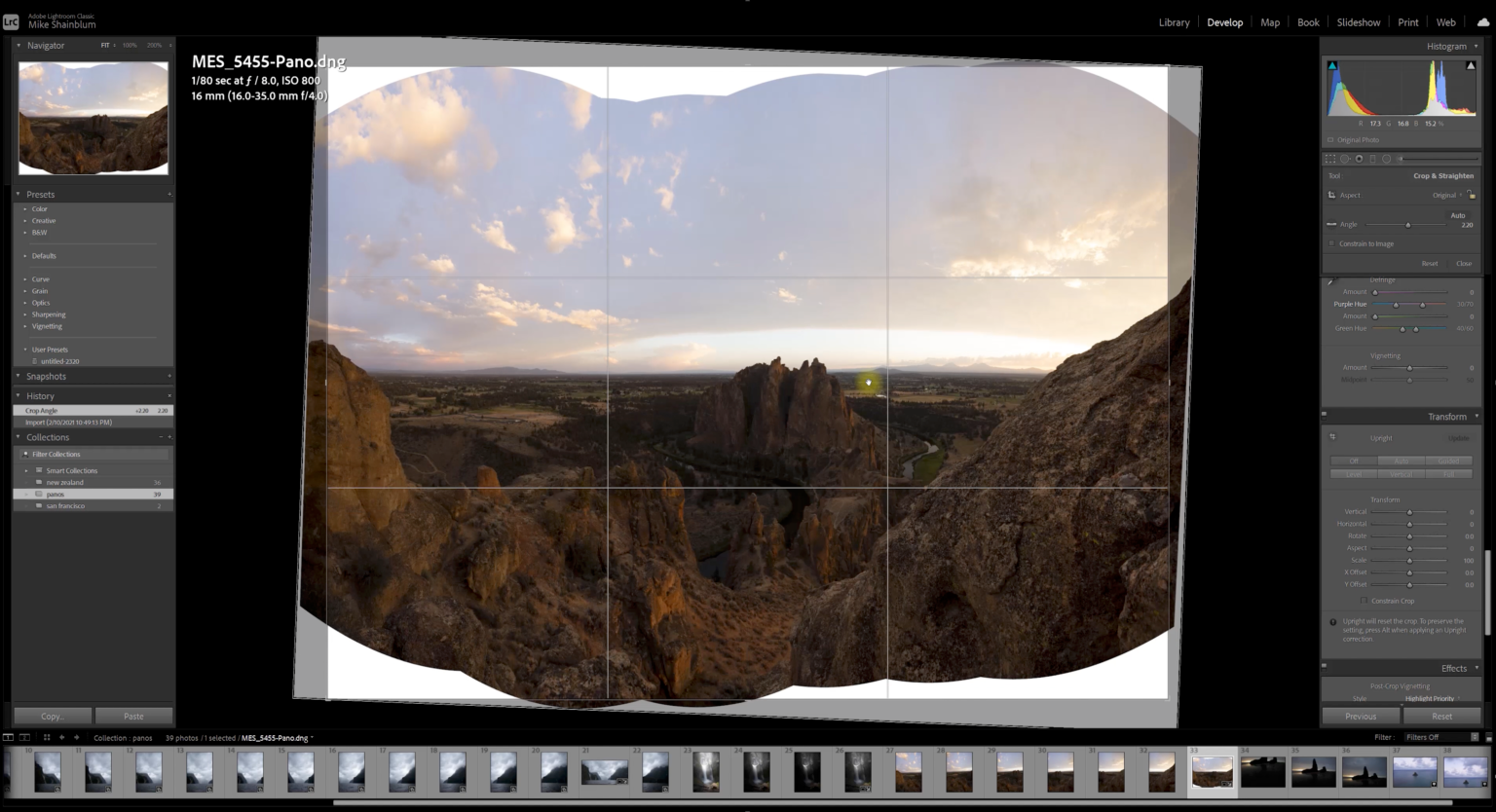
Inside the course: stitching a panorama.
Lessons 11–18
Work with light, color, and atmosphere
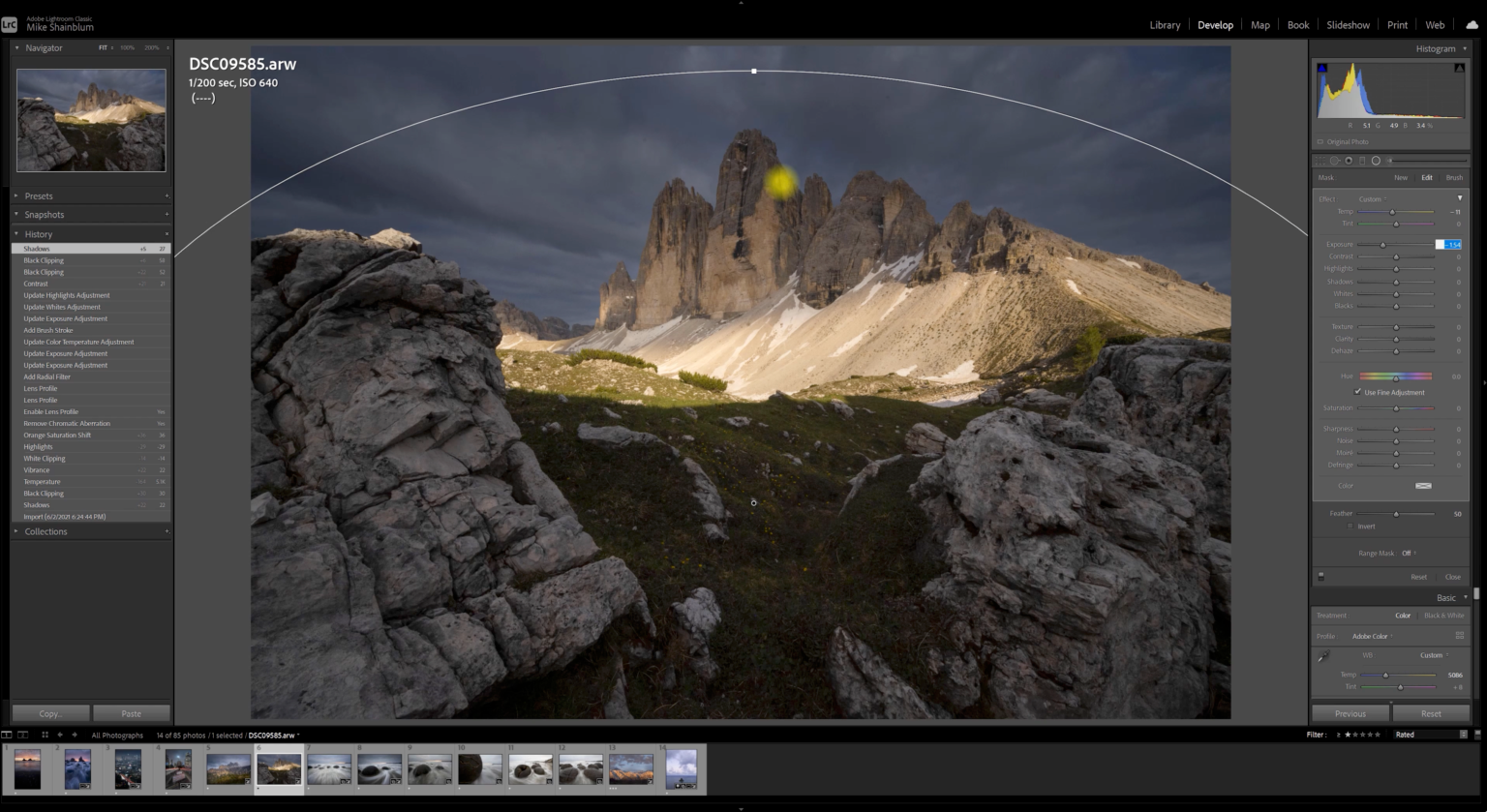
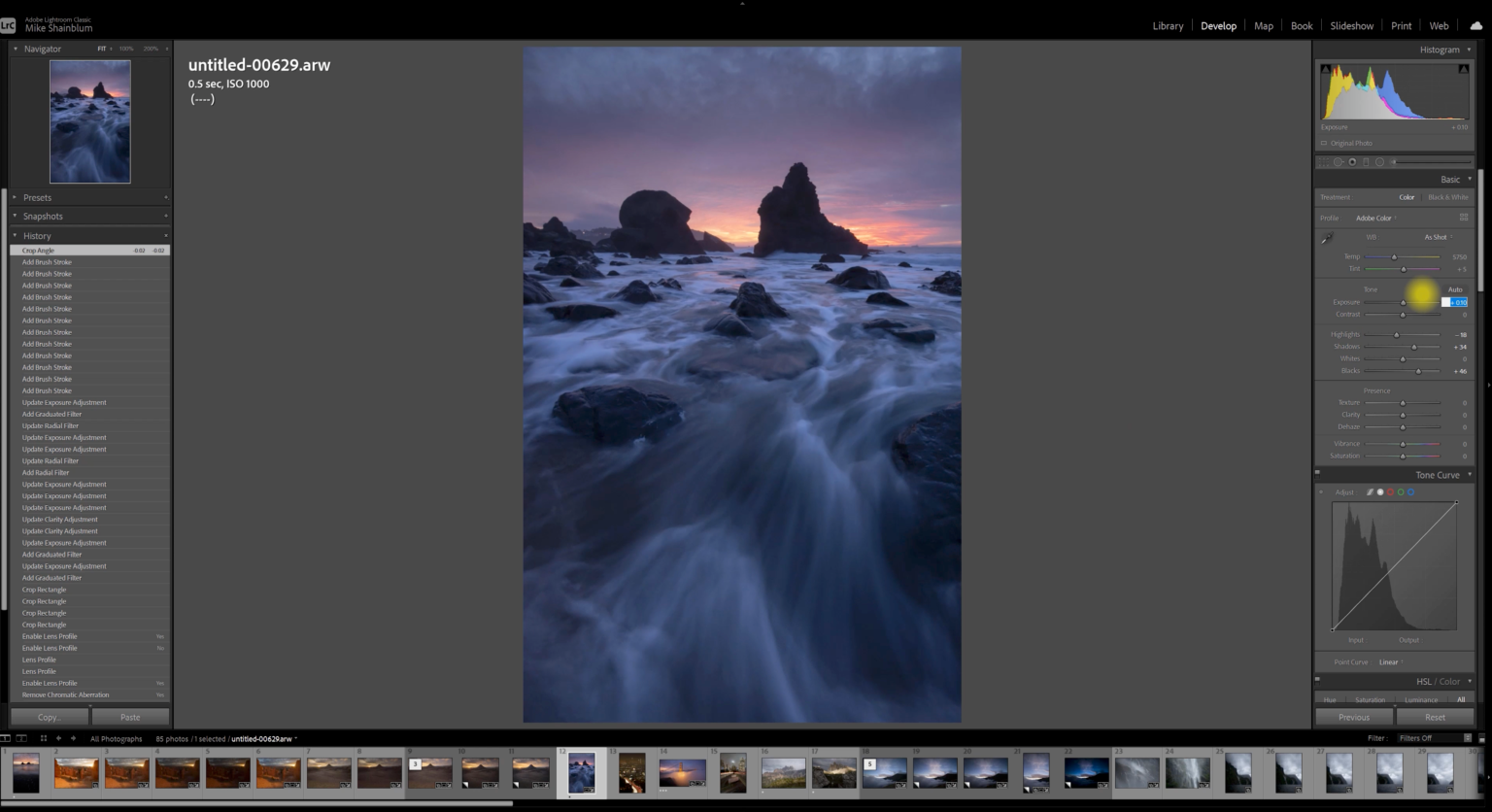
We’ll edit a moody blue seascape, a mountain sunrise, and fog at the Golden Gate Bridge, then work on rainy waterfalls with range masks. I’ll also cover virtual copies and the Dehaze slider.
11 Moody blue seascape, part 1
12 Moody blue seascape, part 2
13 Subtle processing: mountain sunrise
14 Subtle processing: Golden Gate fog
15 Rainy waterfalls and range masks, part 1
16 Rainy waterfalls and range masks, part 2
17 Virtual copies
18 Dehaze
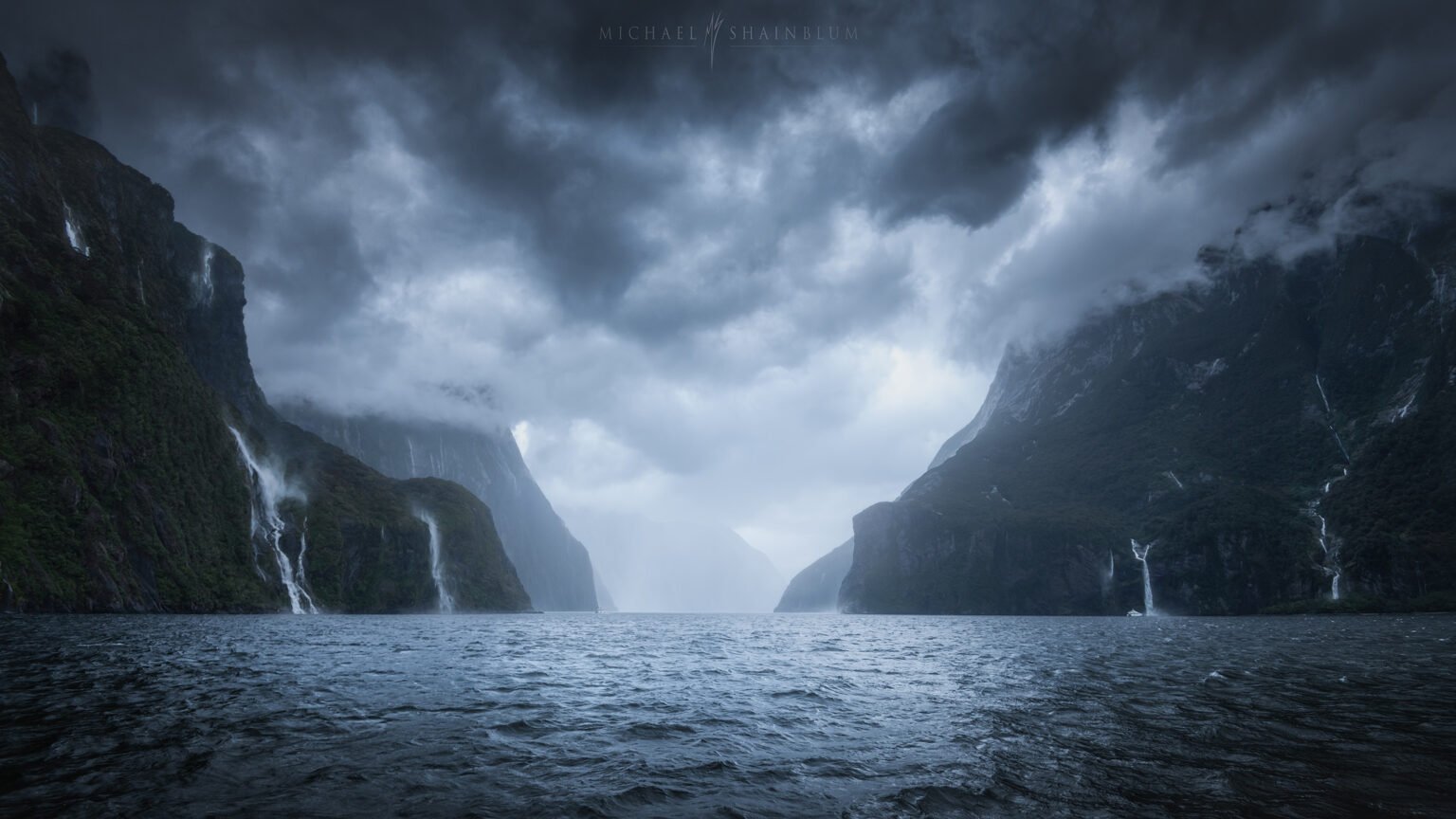
Milford Sound, New Zealand.
Lessons 19–23
Seascapes, city lights, and mountains
We’ll edit a seascape sunset, tackle wide-angle distortion and nighttime color, and look at how shadows and highlights affect a mountain scene.
19 Dramatic seascape
20 Night cityscape, part 1
21 Night cityscape, part 2
22 Mountain light, part 1
23 Mountain light, part 2
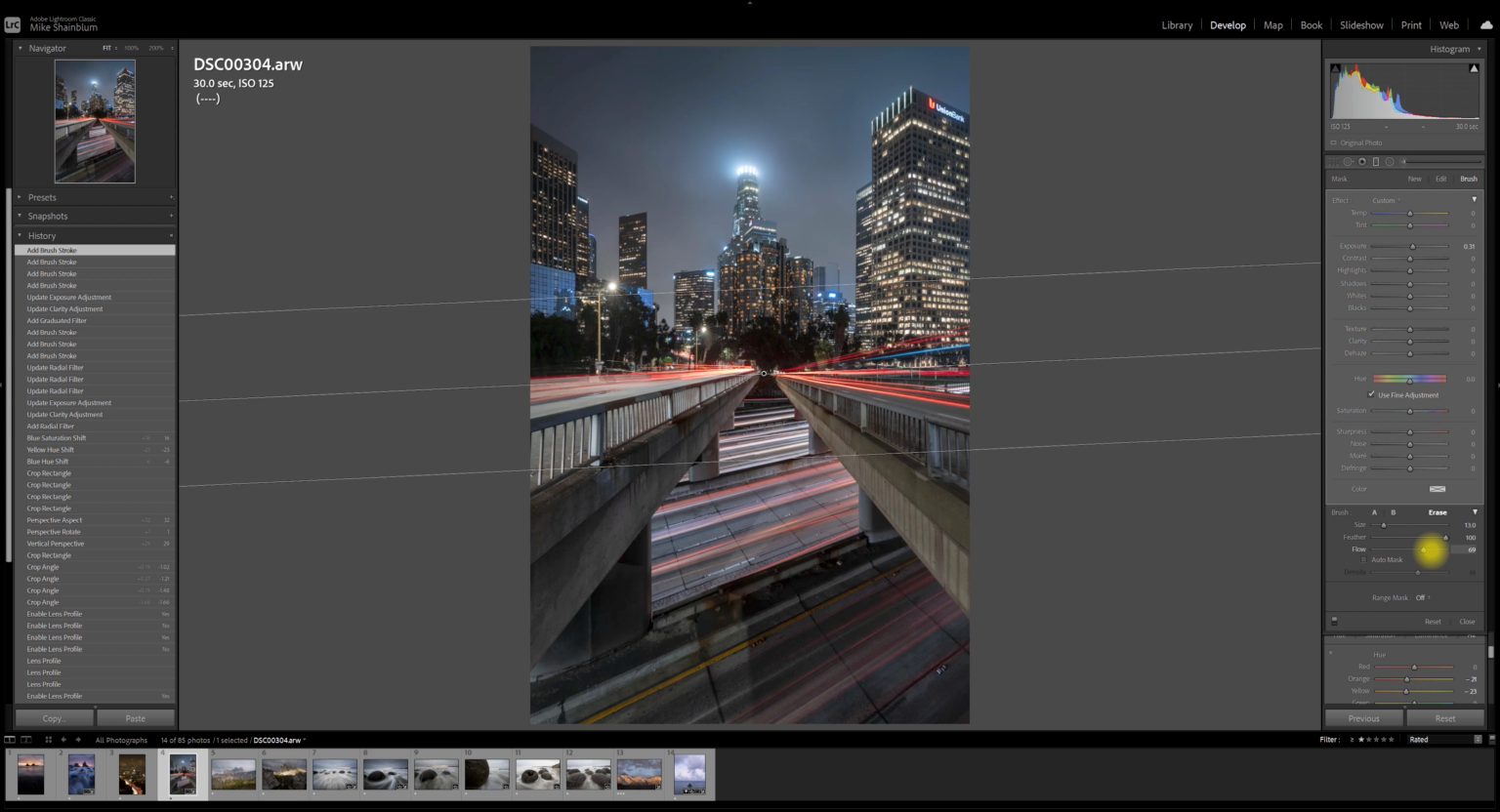
New York City at night.
Lessons 24–29
The Milky Way and a final landscape edit
I’ll walk you through several night sky photographs, including color and high-ISO challenges. We’ll finish with an image from the Faroe Islands that needs a little work to bring back the feeling of being there.
24 Milky Way, part 1
25 Milky Way, part 2
26 Milky Way, part 3
27 Milky Way, part 4
28 Faroe Islands, part 1
29 Faroe Islands, part 2
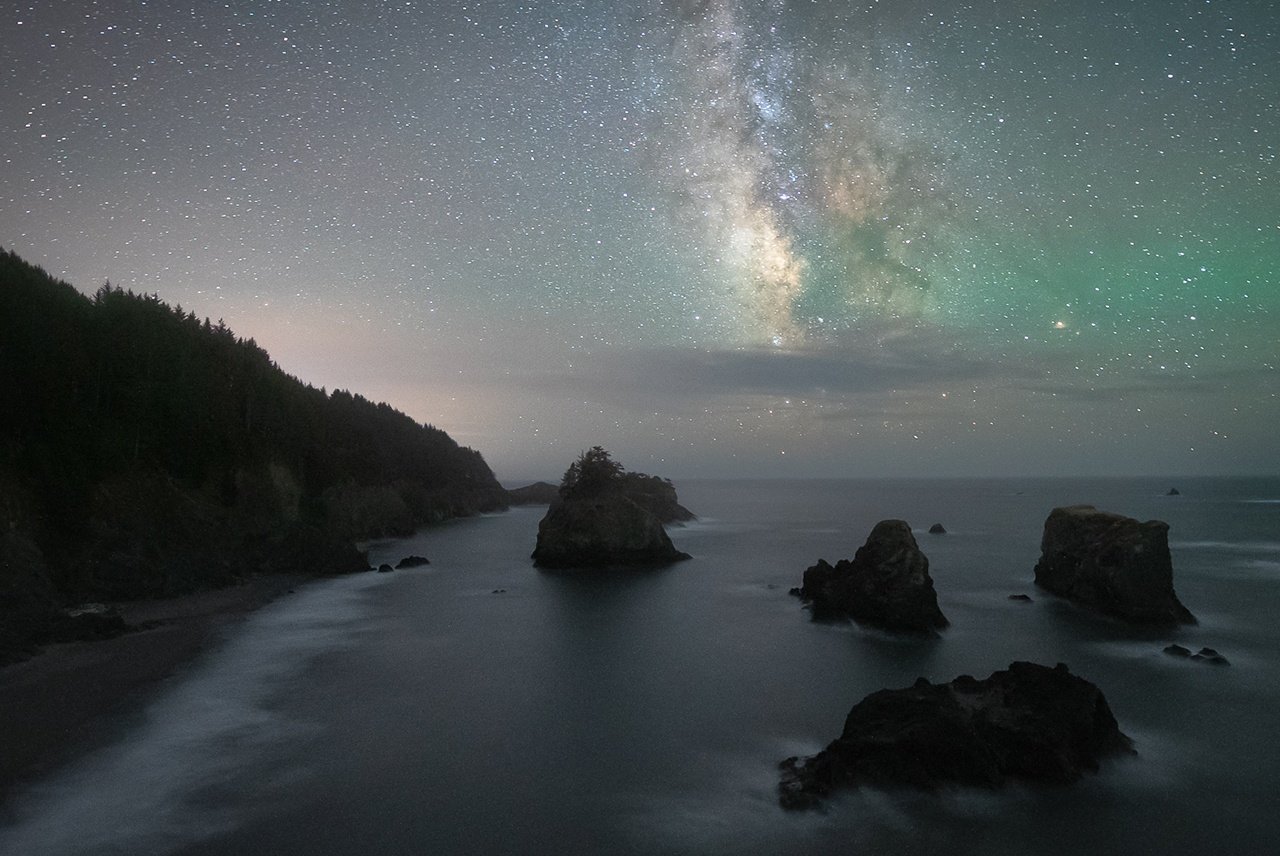
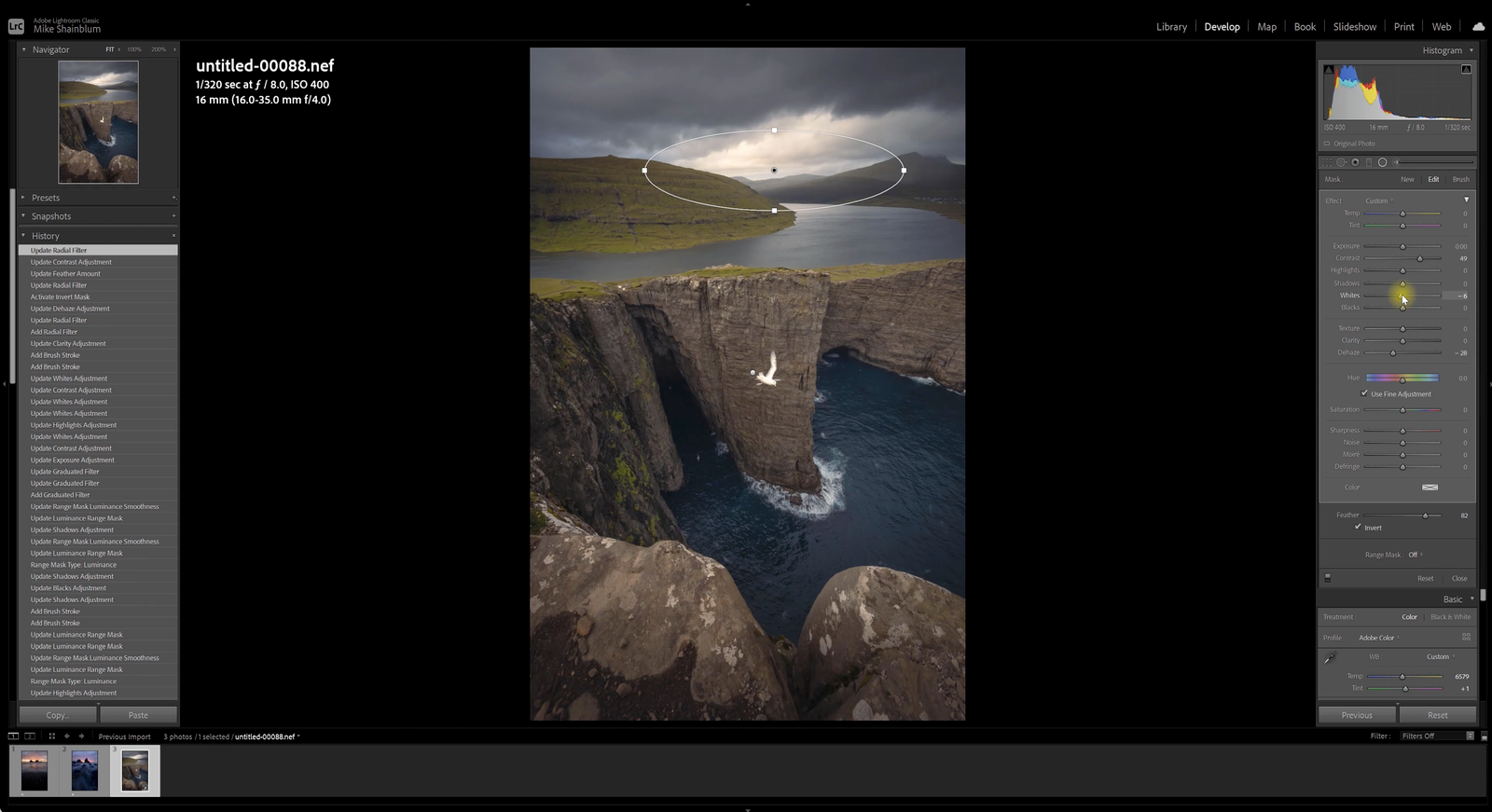
Milky Way photography by Michael Shainblum.
Is this course for you?
This course starts with the basics, so you don’t need to know every Lightroom tool before you begin. It’s also for photographers who already edit but want to see how I approach a wider variety of images.
The lessons cover landscapes, seascapes, cityscapes, and the night sky. Most of the work is in Lightroom Classic, with a bonus lesson in Photoshop.
A note on software versions
This course was recorded in an earlier version of Lightroom Classic. Some panels, filters, and masking tools look different in current releases. Exposure, color, contrast, and selective adjustments are still central to my editing workflow.
You’ll need Adobe Lightroom Classic to work through the main lessons. The bonus Transform and Warp lesson uses Photoshop.
THE LIGHTROOM MASTERCLASS
Get more from your next edit.
From a flat RAW file to a photo you’re excited to share, I’ll show you the tools and techniques I use to get there. 29 lessons, with full edits you can work through at your own pace.
$199 $90 USD
Add to Cart
Plus applicable taxes.