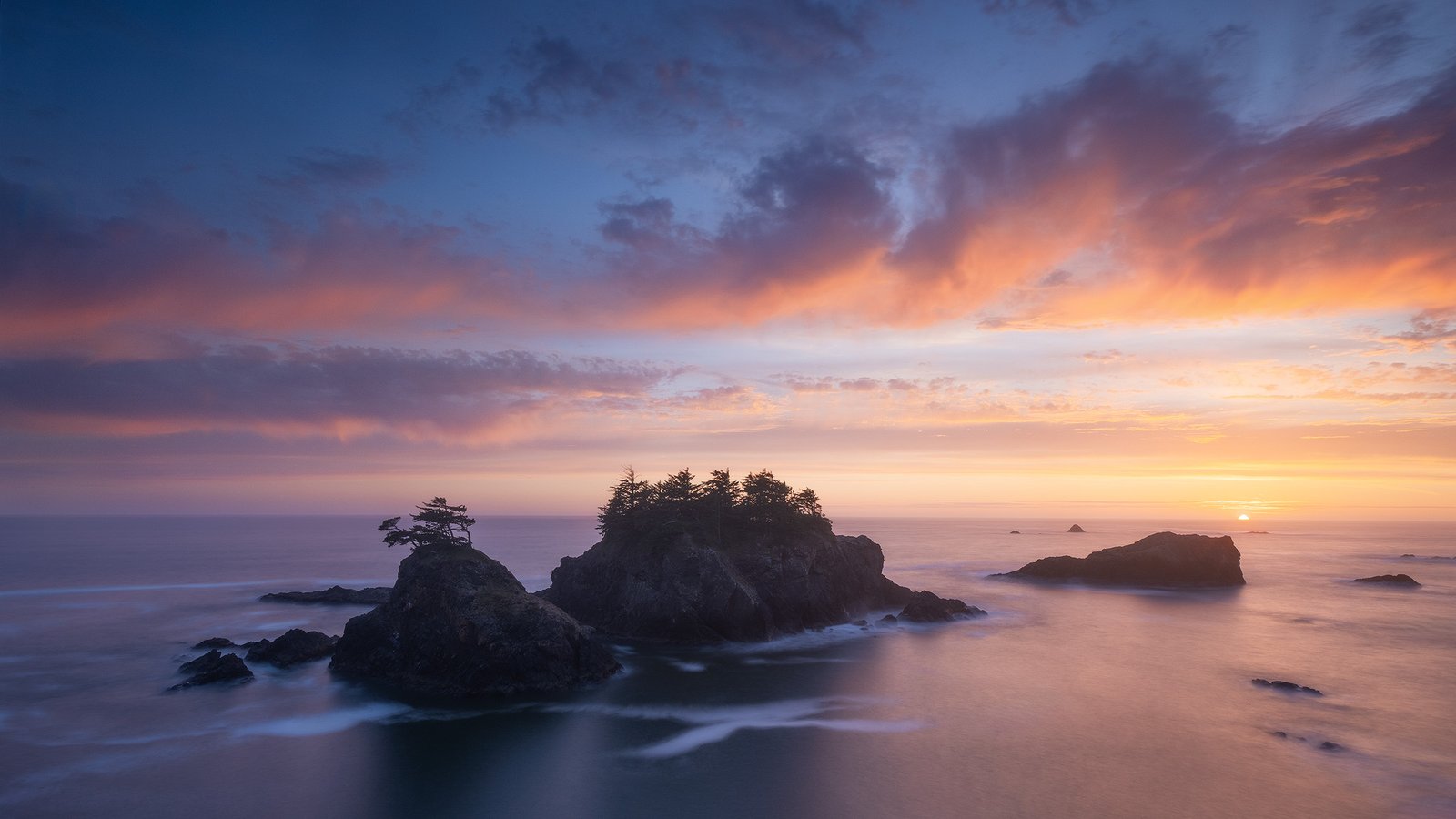
MICHAEL SHAINBLUM / PHOTOGRAPHY TUTORIALS
Exposure blending and dramatic skies
Sanctuary
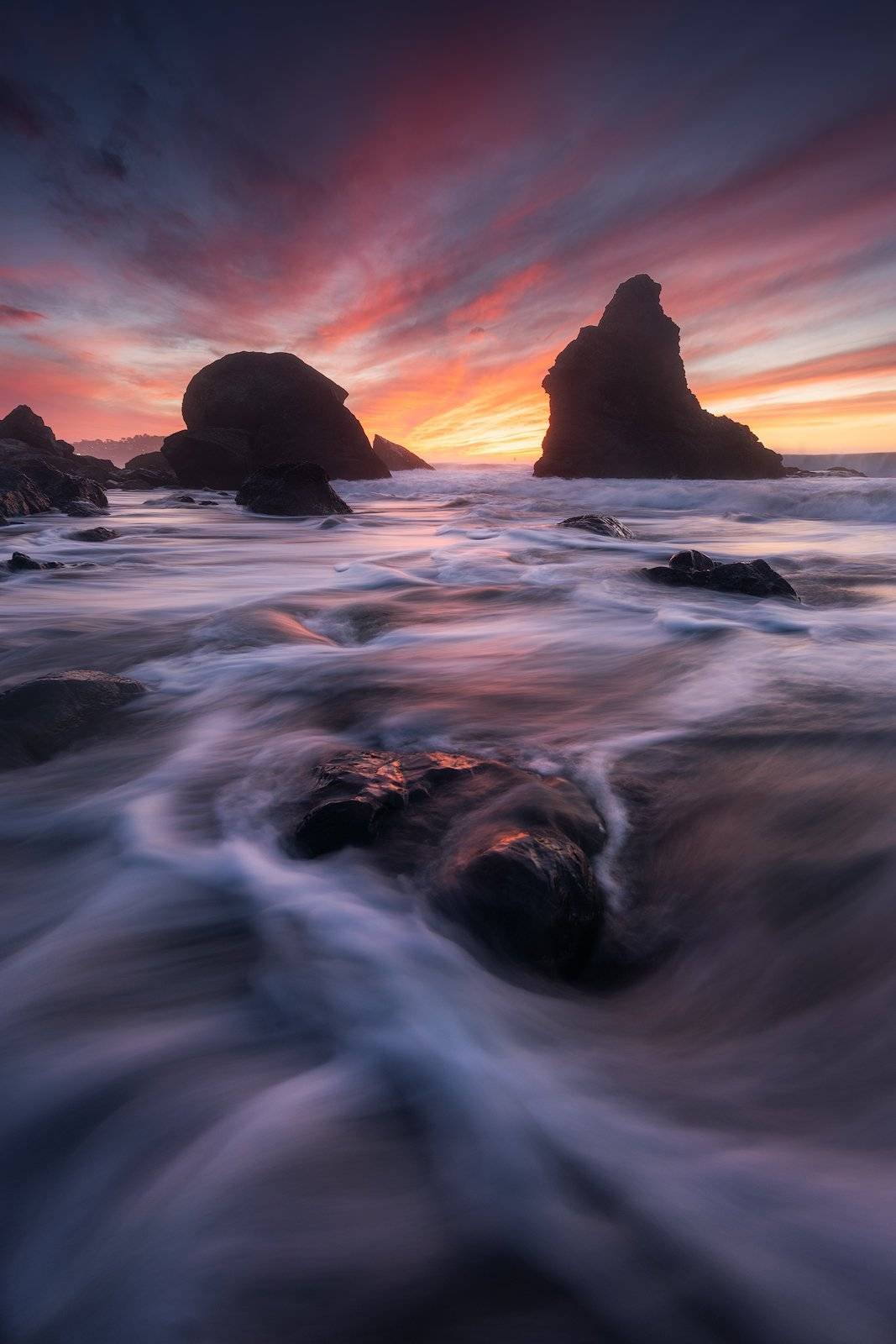
I’ll show you how I edited “Sanctuary,” from the initial Lightroom adjustments to blending exposures and perspectives in Photoshop. We’ll work on the bright sky, darker foreground, and reflections, then finish with color and tonal adjustments.
ABOUT 1 HOUR / LIGHTROOM + PHOTOSHOP
$60 $40 USD
Add to Cart
Recorded in older versions of Lightroom and Photoshop, using techniques I still use today.

“SANCTUARY” · THE FINISHED EDIT
The photograph
Before and after
Here’s the photograph we’ll be working on. I’ll show you how I combine the files, balance the sky and foreground, and bring out the color and detail in the finished image.

BEFORE

AFTER
Inside the tutorial
A look at the process
A look at the masking and tonal adjustments we’ll work through in Photoshop.
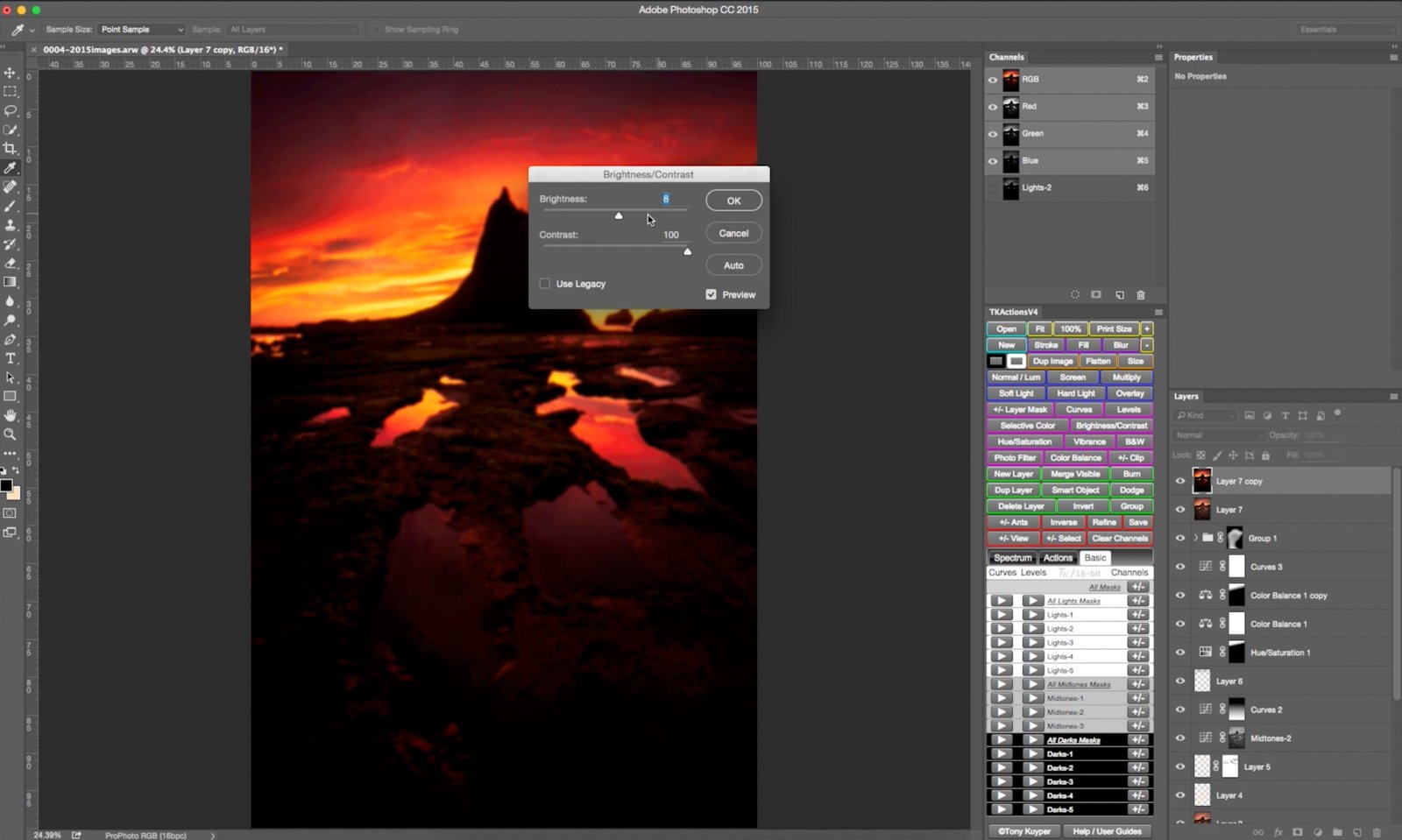
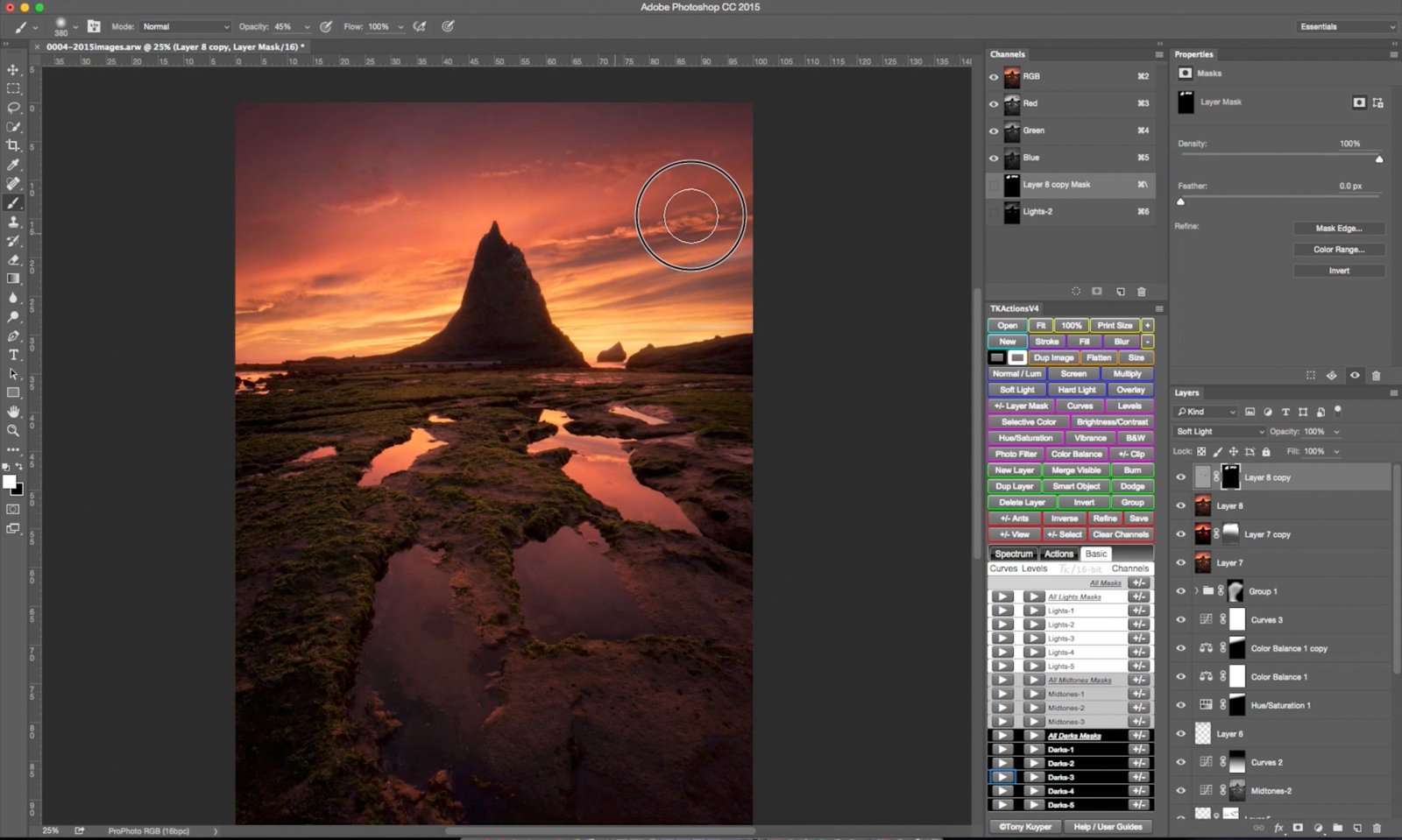

The editing process
What I’ll show you
I’ll walk through the full edit and explain how I work with the different exposures, perspectives, and tones in this scene.
01
How I took the photograph
What I was thinking about when I photographed the scene and the files I chose for the edit.
02
Preparing the files in Lightroom
The initial adjustments before bringing the files into Photoshop.
03
Exposure and perspective blending
How I combine exposures and perspectives in Photoshop to put the image together.
04
Working with light and color
Color correction, luminosity masks, and dodging and burning to balance the sky, rocks, and reflections.
05
Finishing for the web
Final sharpening and color profile conversion before sharing the image online.
Tutorial files
What’s included
HD video tutorial, about one hour
The full edit, narrated in English.
Downsized Photoshop project file
A copy of my PSD to reference as you watch.
Readme file
Included with the tutorial files.
Is this tutorial for you?
For landscape photographers who want to learn more about exposure blending, perspective blending, and working with dramatic skies. Some familiarity with Lightroom and Photoshop will help.
Software and recommended tools
You’ll need Adobe Lightroom and Photoshop. I recommend Tony Kuyper’s luminosity-mask tools for following the masking work in this tutorial. See Tony Kuyper’s current tools. Don’t have the full TK panel? Get Tony Kuyper’s free TK Lum-Mask panel. It requires Photoshop 2022 (version 23.3) or later. Its layout and features differ from the panel used in this tutorial.
This was recorded in older versions of Lightroom and Photoshop, so the menus and tools may look different today. I still use these exposure-blending, masking, and tonal-adjustment techniques in my editing.
Sanctuary
Edit Sanctuary with me.
Get the full start-to-finish tutorial and a downsized copy of my Photoshop project. I’ll show you how I blend the files and work through the final light and color adjustments.
$60 $40 USD
Add to Cart
Save $20 · HD video + downsized PSD · $40 USD, plus applicable taxes.