MICHAEL SHAINBLUM / PHOTOGRAPHY TUTORIALS
A Lightroom course for the camera you always have with you!
iPhone & Android
Photo Editing
Phone cameras have gotten seriously good. The RAW files from an iPhone and Samsung have far more room to edit than you might expect. I’ll show you how I bring out the light, color, and detail in those files using Lightroom.
10 VIDEO LESSONS / IPHONE + SAMSUNG RAW FILES
Editing demonstrations in Lightroom on a computer.
$95 $50 USD
Add to Cart
Plus applicable taxes.
ONE OF THE COURSE EDITS
Yes, this was taken with a phone.
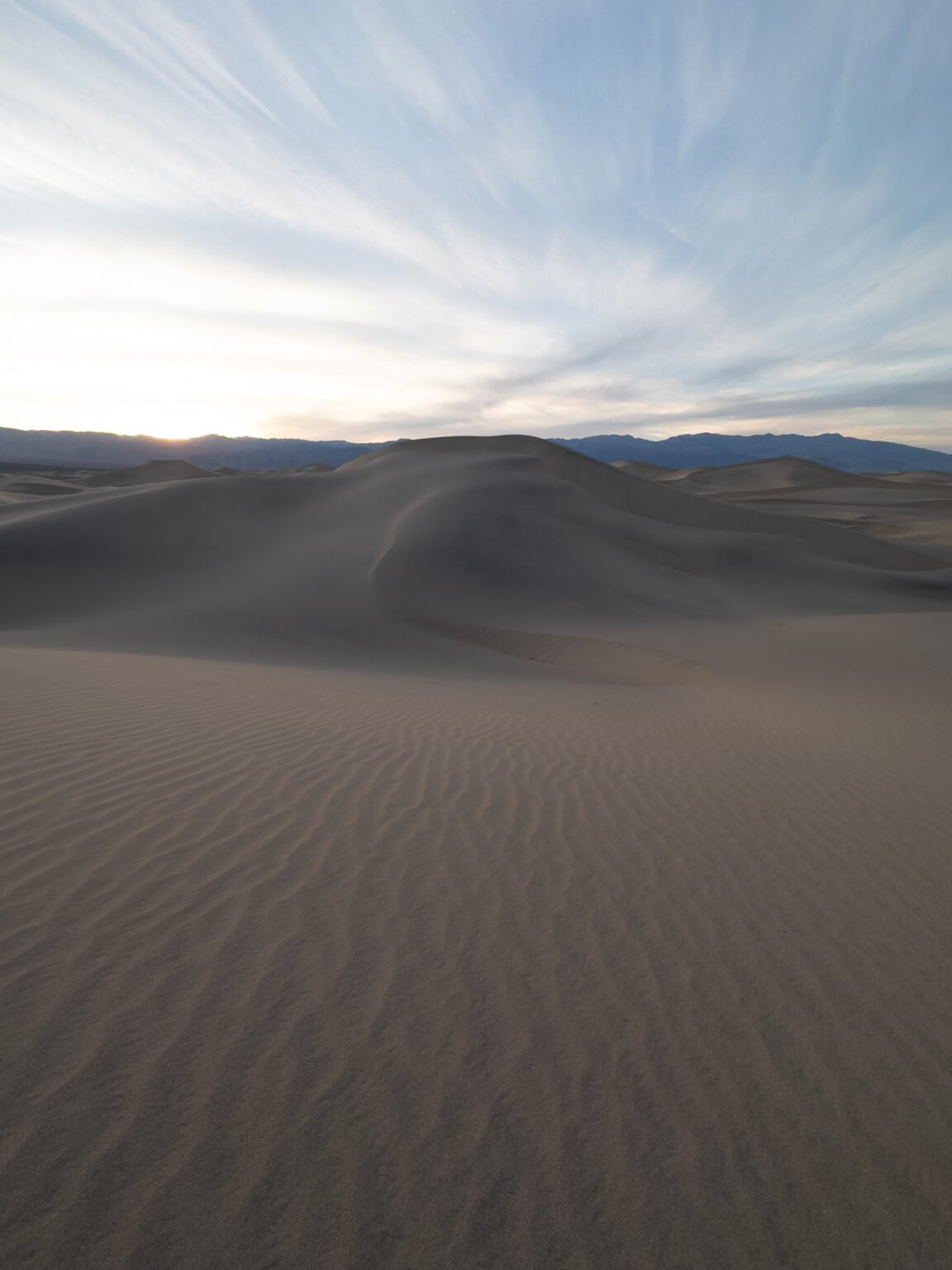
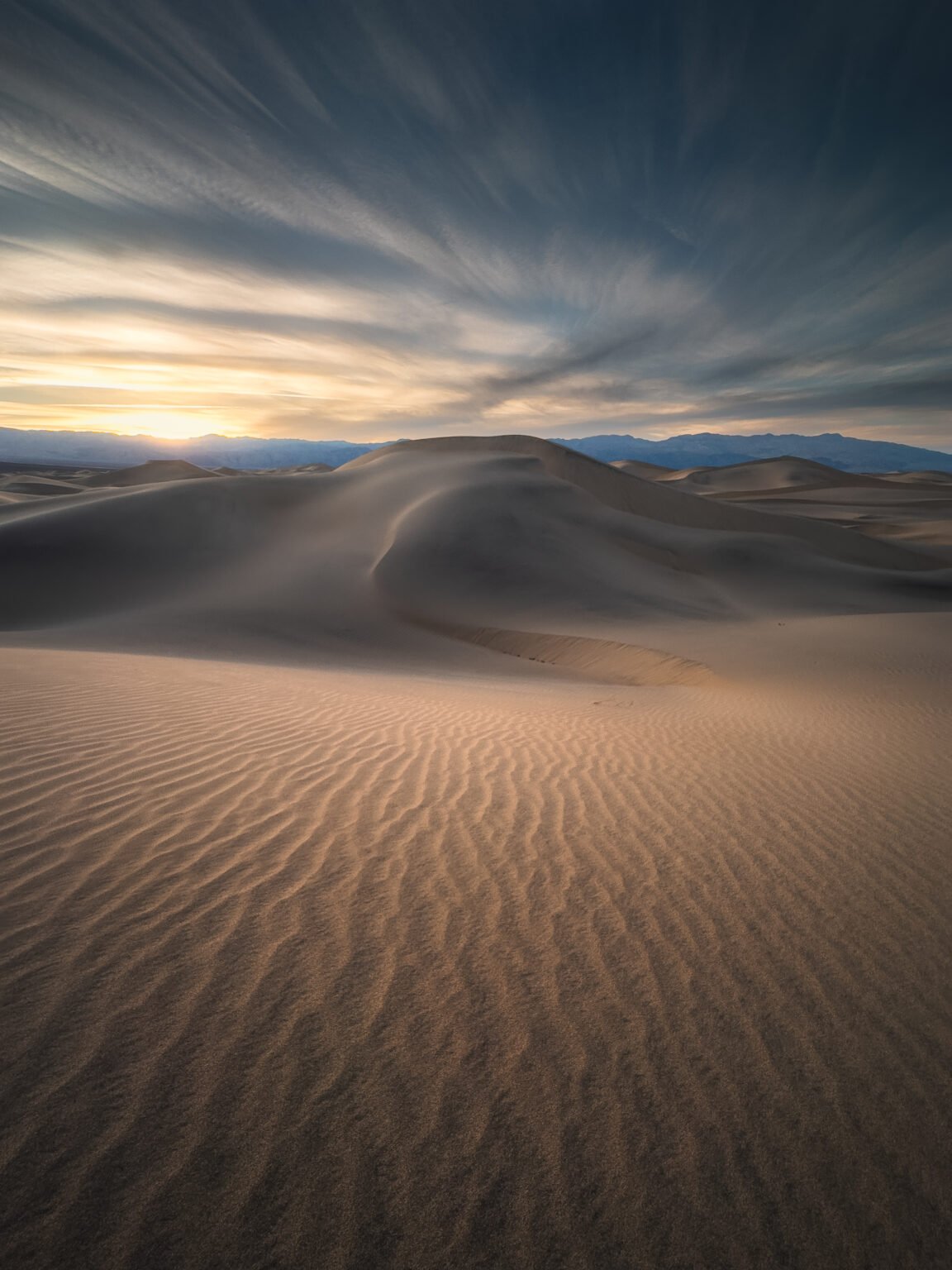
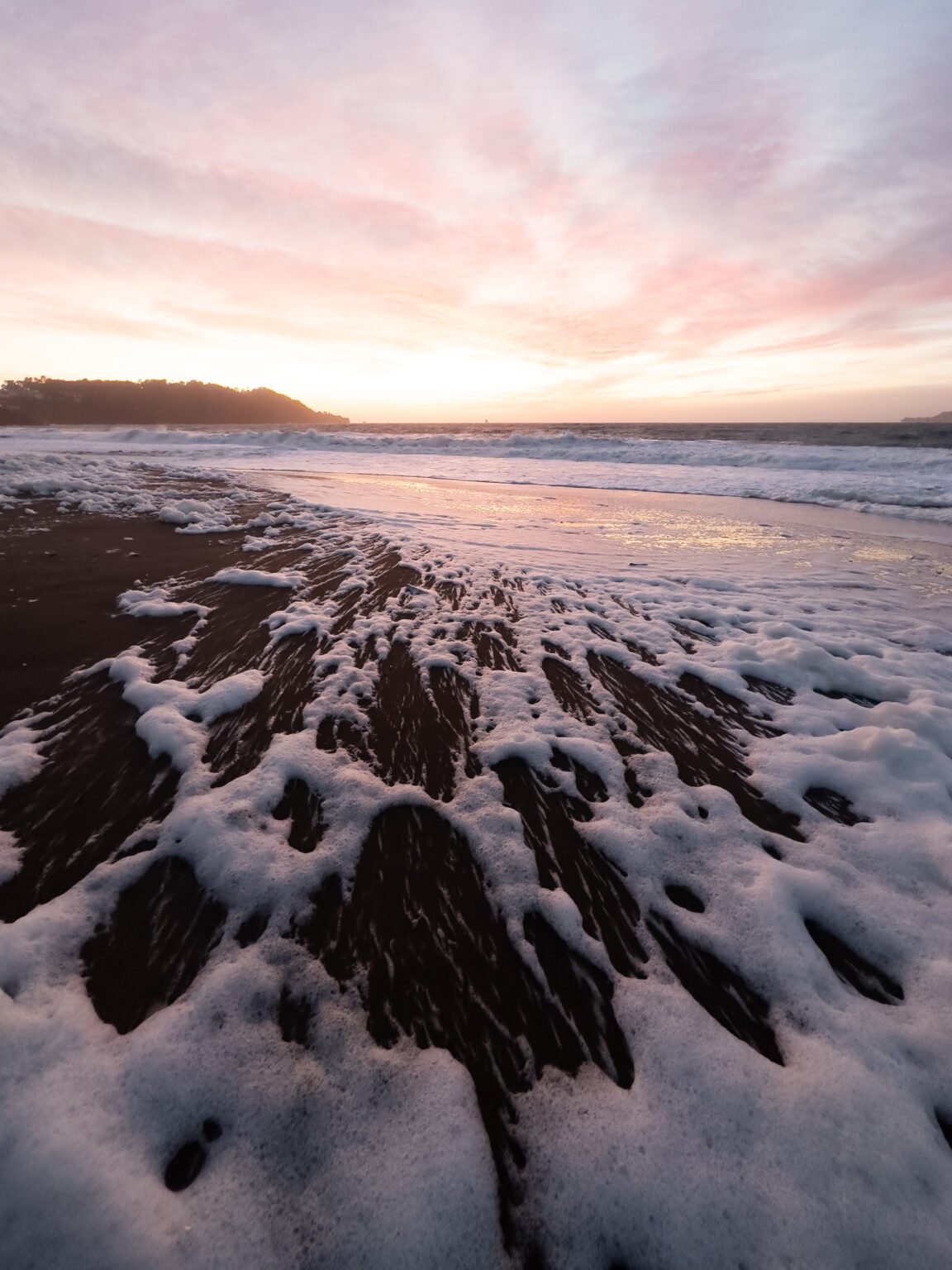
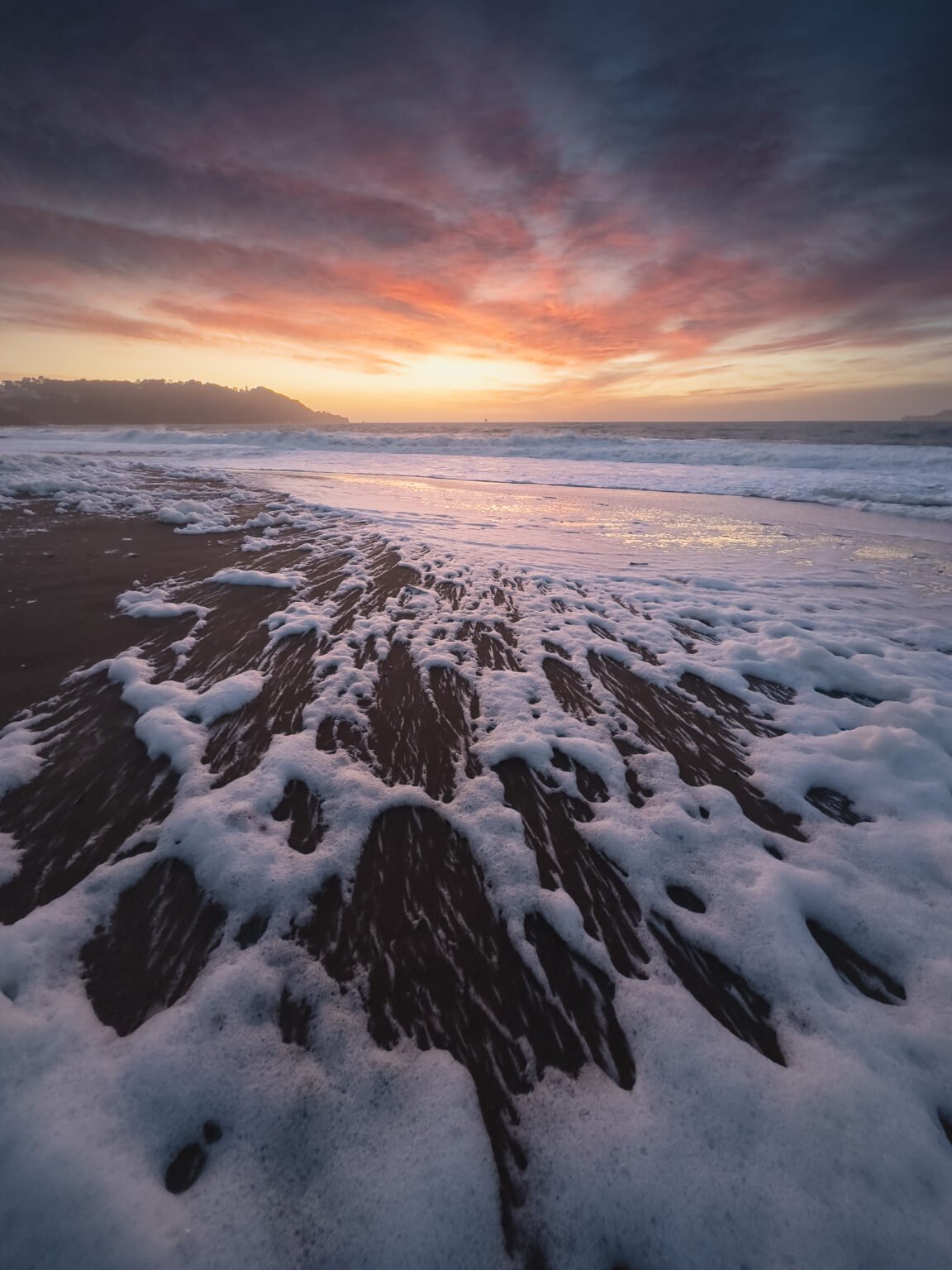
Bring out the warmth in the sky, detail in the sand, and depth in the dunes. Here’s the same phone photograph before and after editing.
BEFORE / PHONE RAW
AFTER / FINISHED EDIT
10 guided video lessons
Watch the tools and adjustments in action on real photographs.
A range of editing challenges
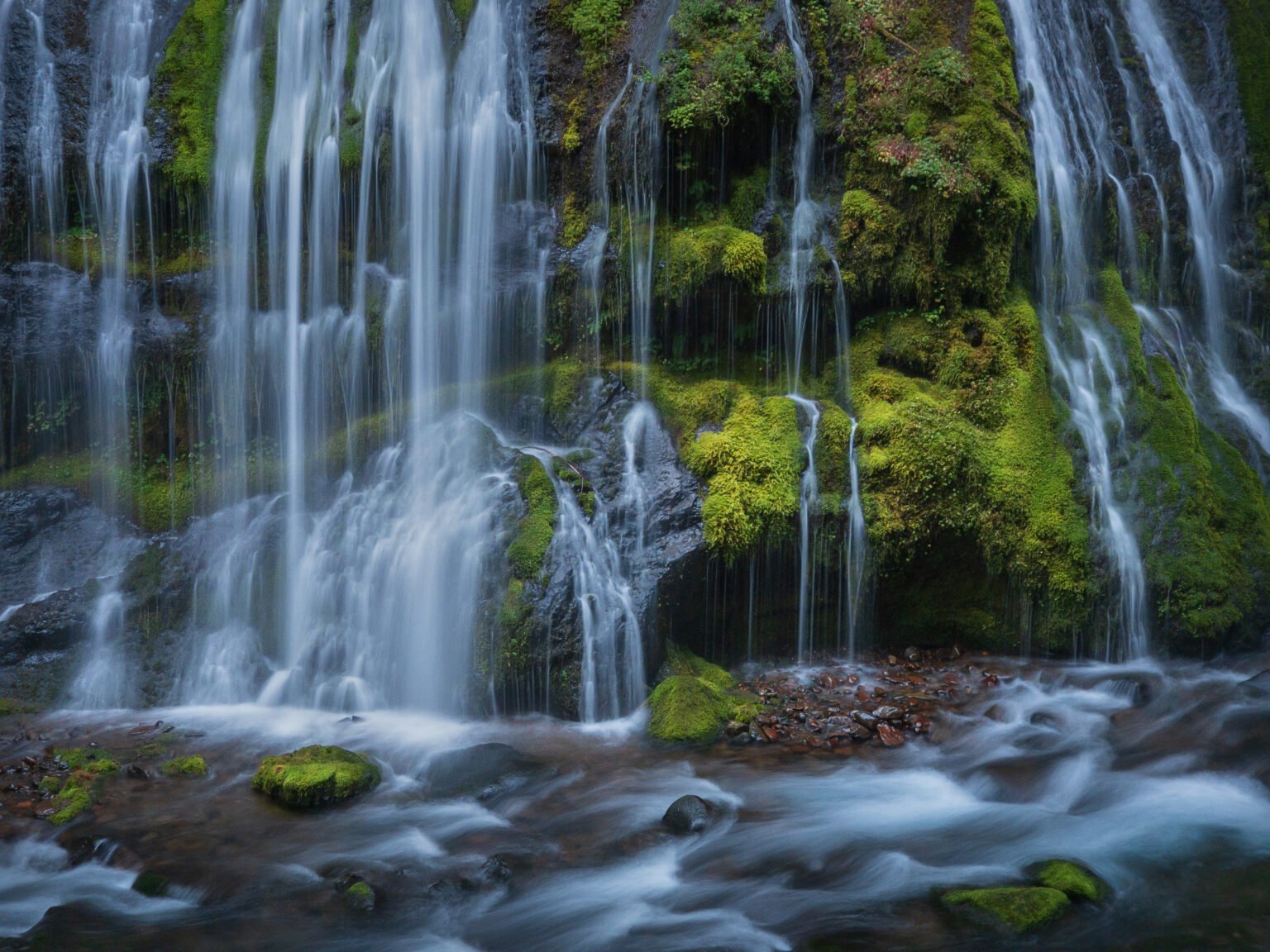
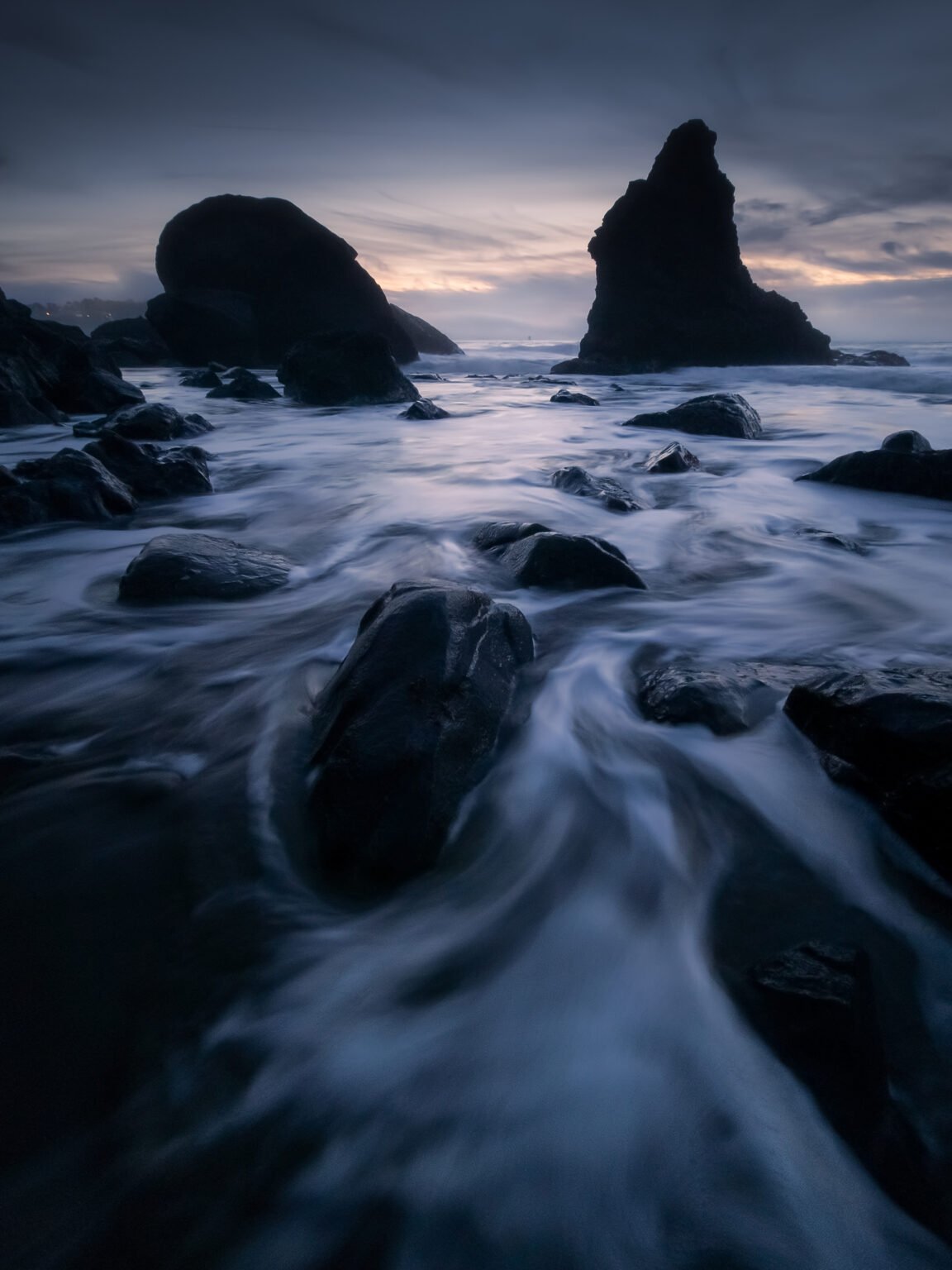
Work on seascapes, dunes, waterfalls, city scenes, and more.
Capture through export
Camera settings, file syncing, Lightroom editing, and saving the finished image.
01 / CAPTURE AND PREPARATION
Get your RAW files ready to edit.
Camera settings: Understand RAW capture and the settings used for the course photographs.
Import and sync: Get your phone files into Lightroom and keep them organized.
The first adjustments: Establish the starting exposure and tone before working on individual areas.
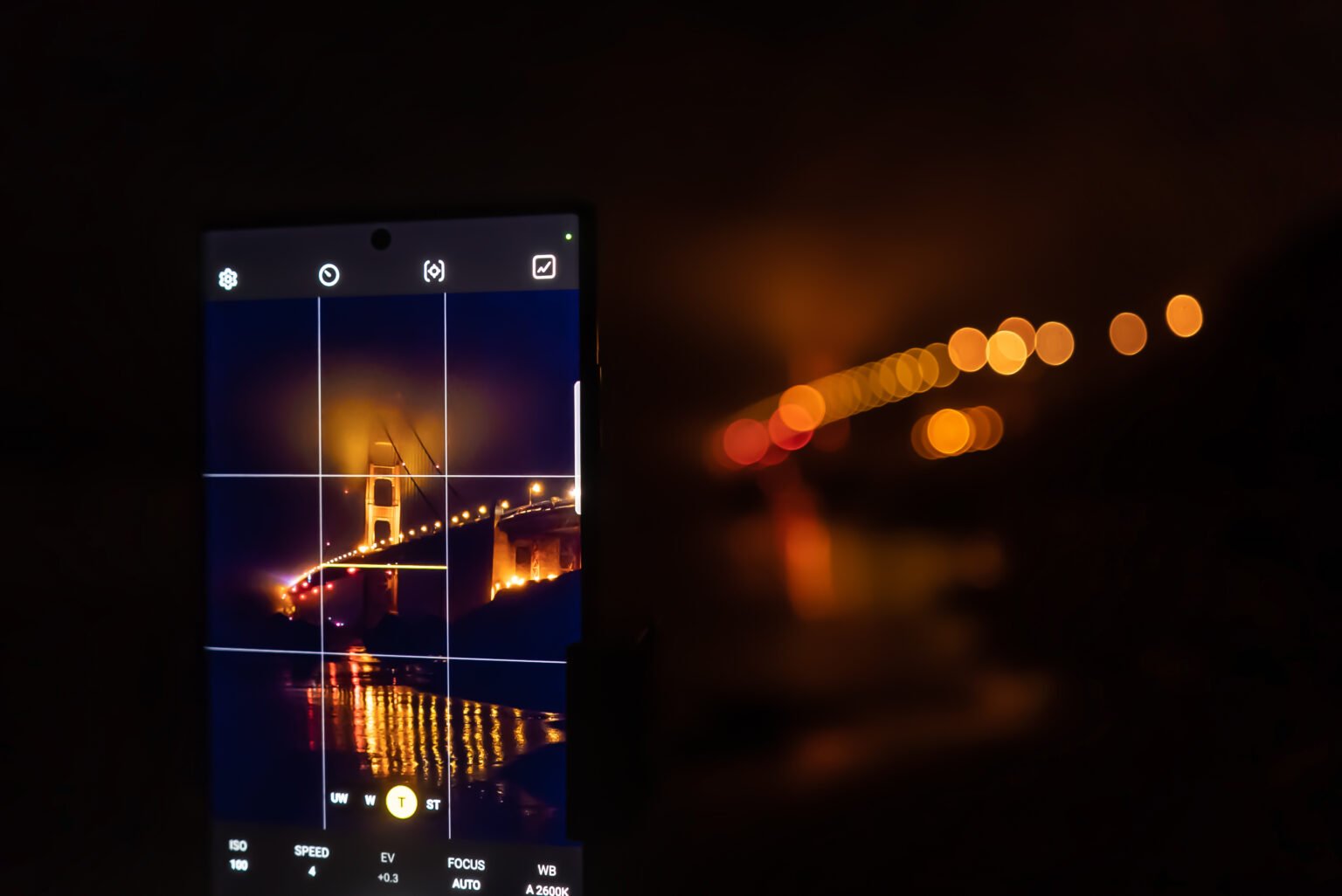
Working with the phone’s camera controls on location.
02 / LIGHT, COLOR, AND MASKING
Shape the light with masks.
Exposure and color: Balance highlights and shadows, then refine individual colors.
Targeted adjustments: Work on a sky, foreground, or subject separately using linear and radial gradients.
Depth and focus: Use local brightness, contrast, and a considered vignette to draw attention where it belongs.
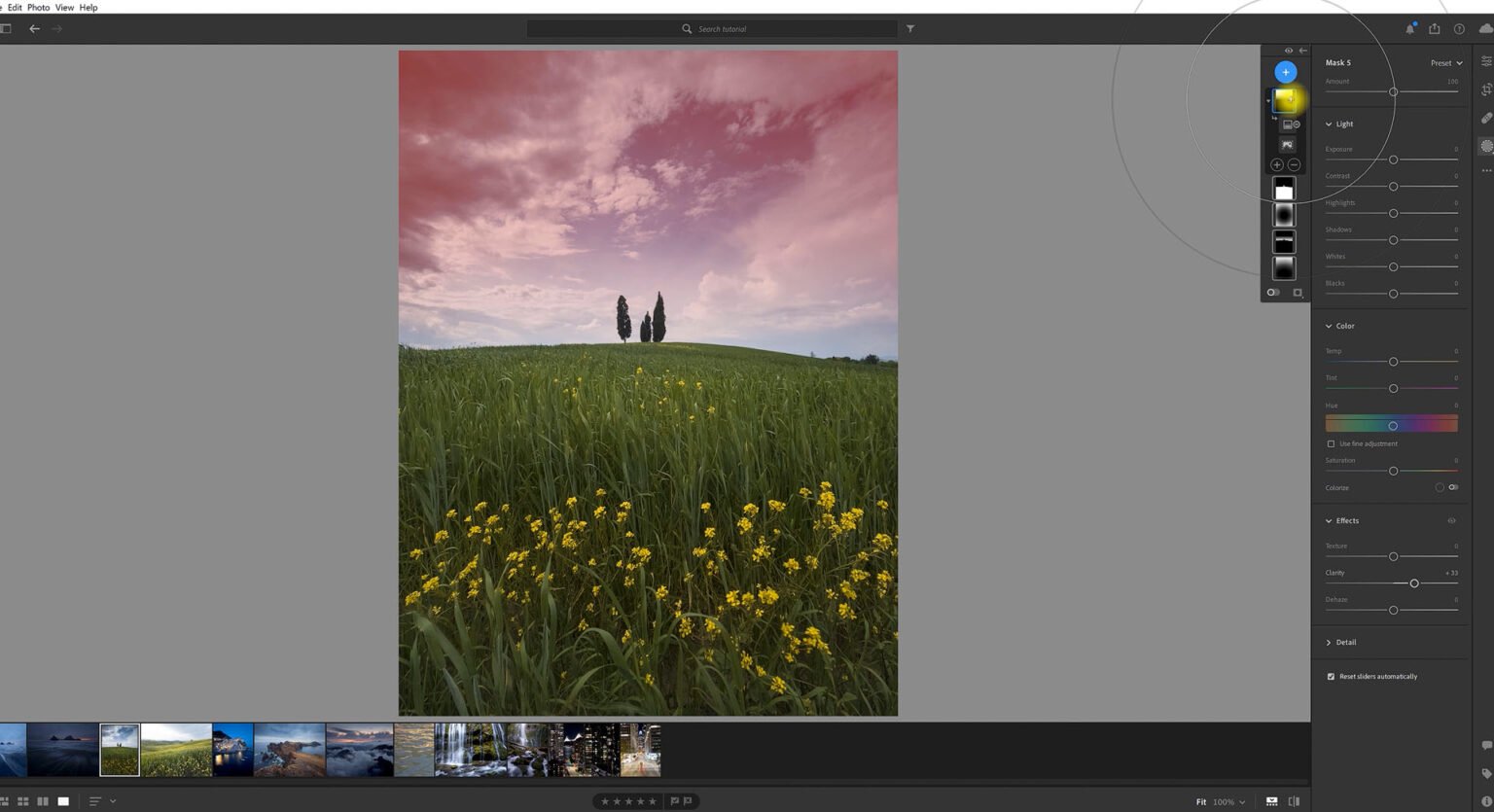
Using a mask to work on the sky separately from the foreground.
03 / COMPOSITION AND FINISHING
Give the composition a clearer focus.
Crop and geometry: Straighten leaning lines and remove space that doesn’t help the photograph.
The final pass: Refine local exposure, luminosity, and color before calling the edit finished.
Export: Save the finished photograph so it’s ready to share.
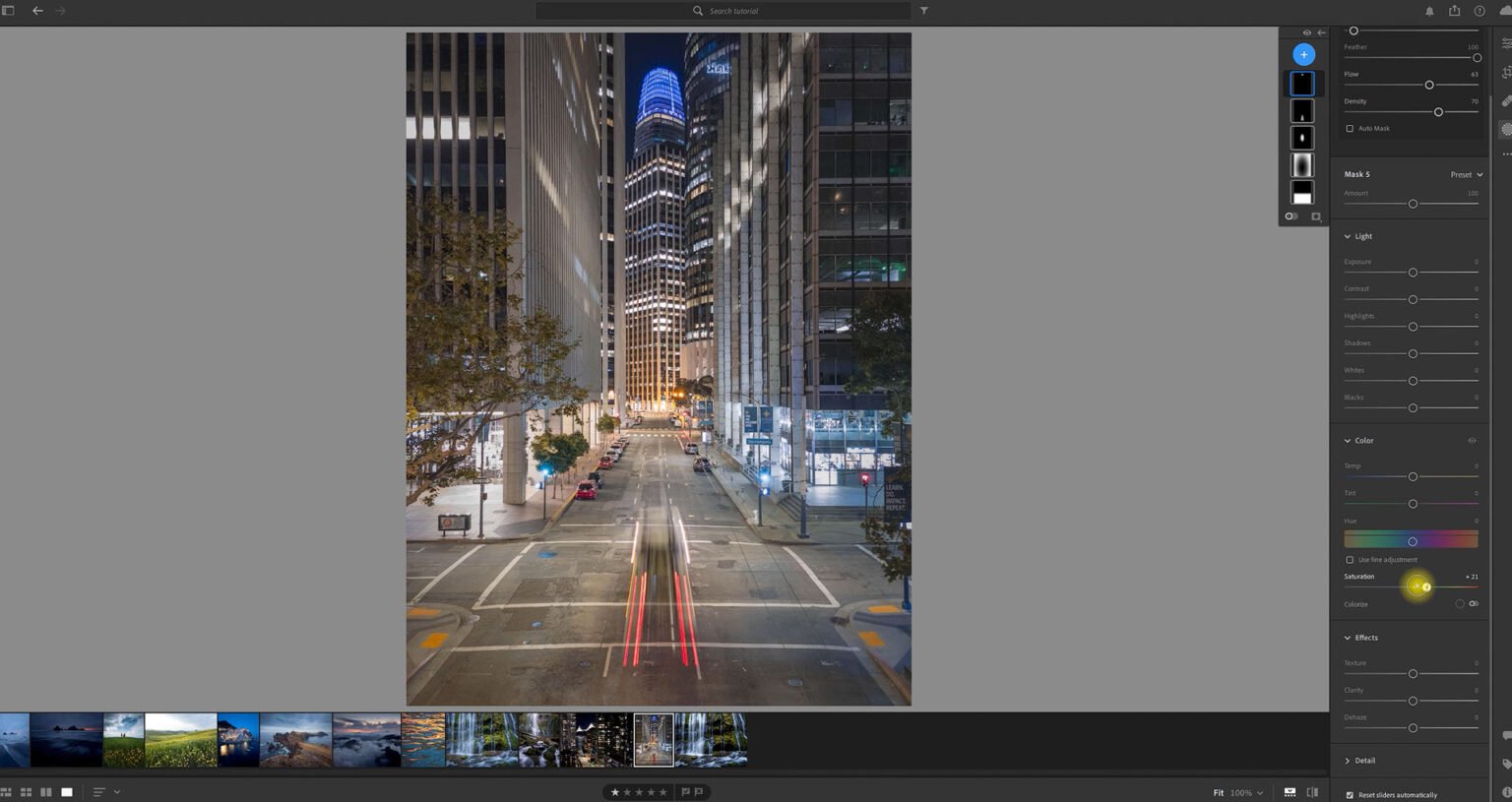
Working on perspective and composition in Lightroom.
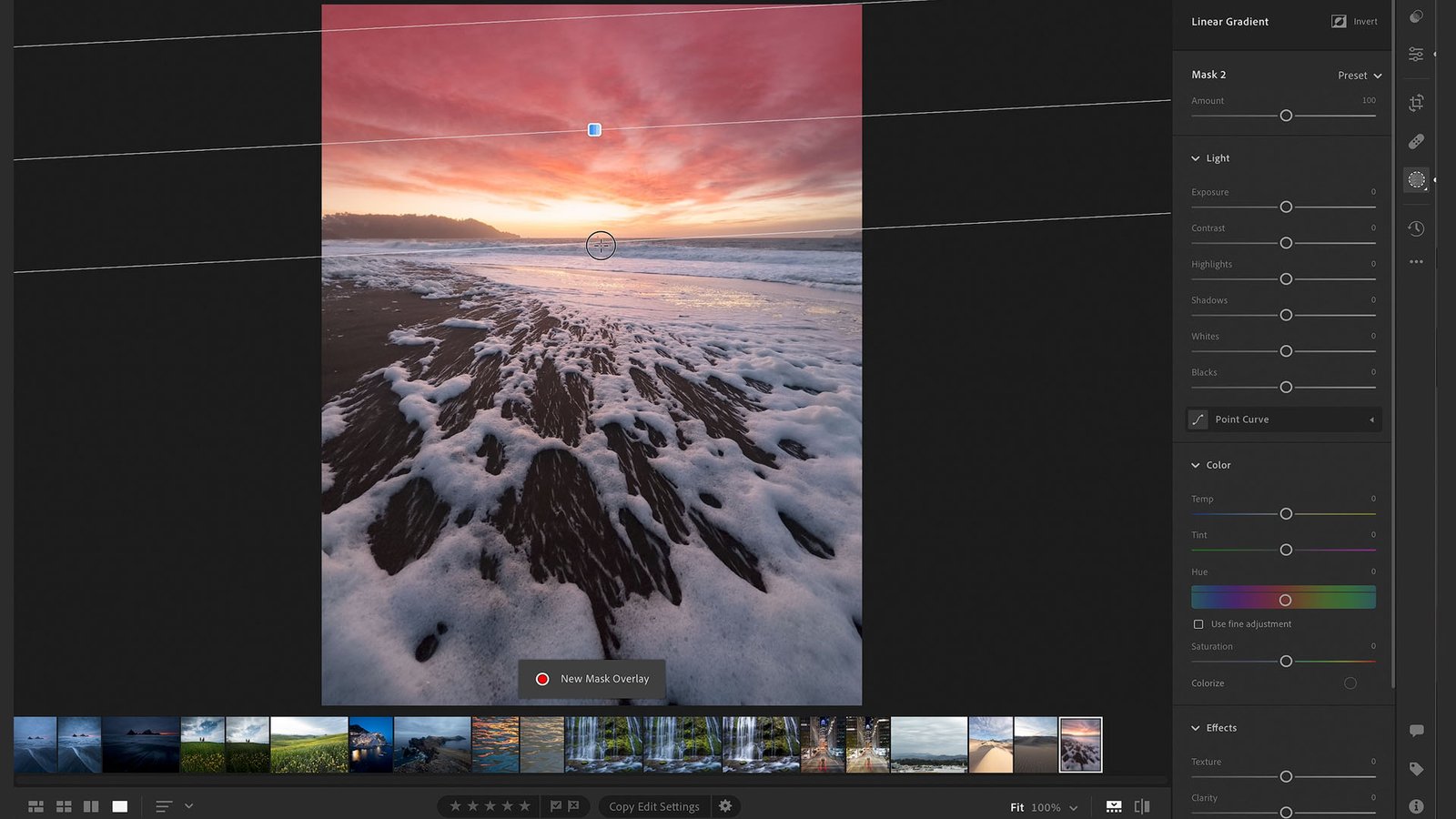
Working on the sky separately from the water in Lightroom.
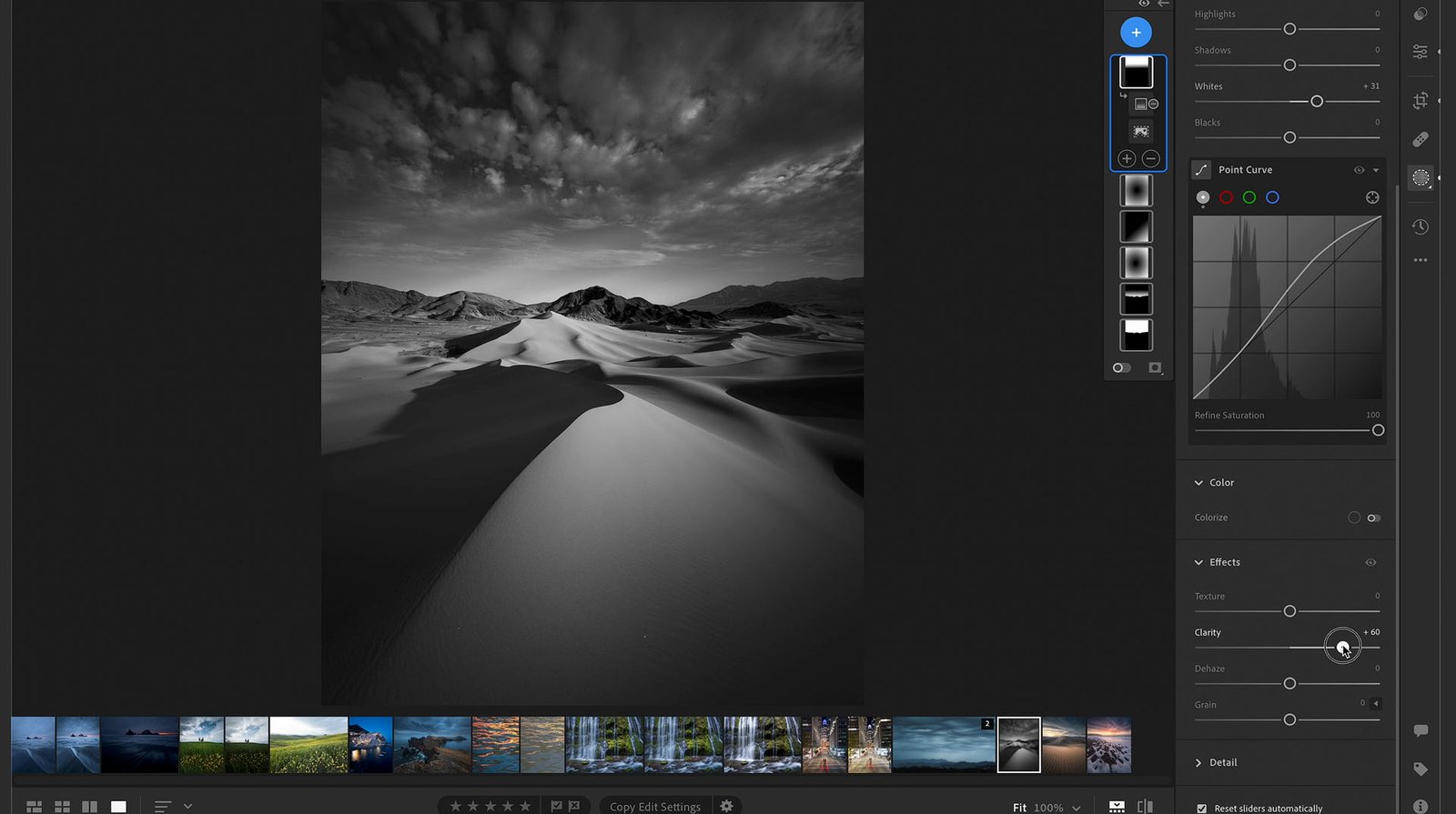
Refining the tones and contrast in a black-and-white edit.
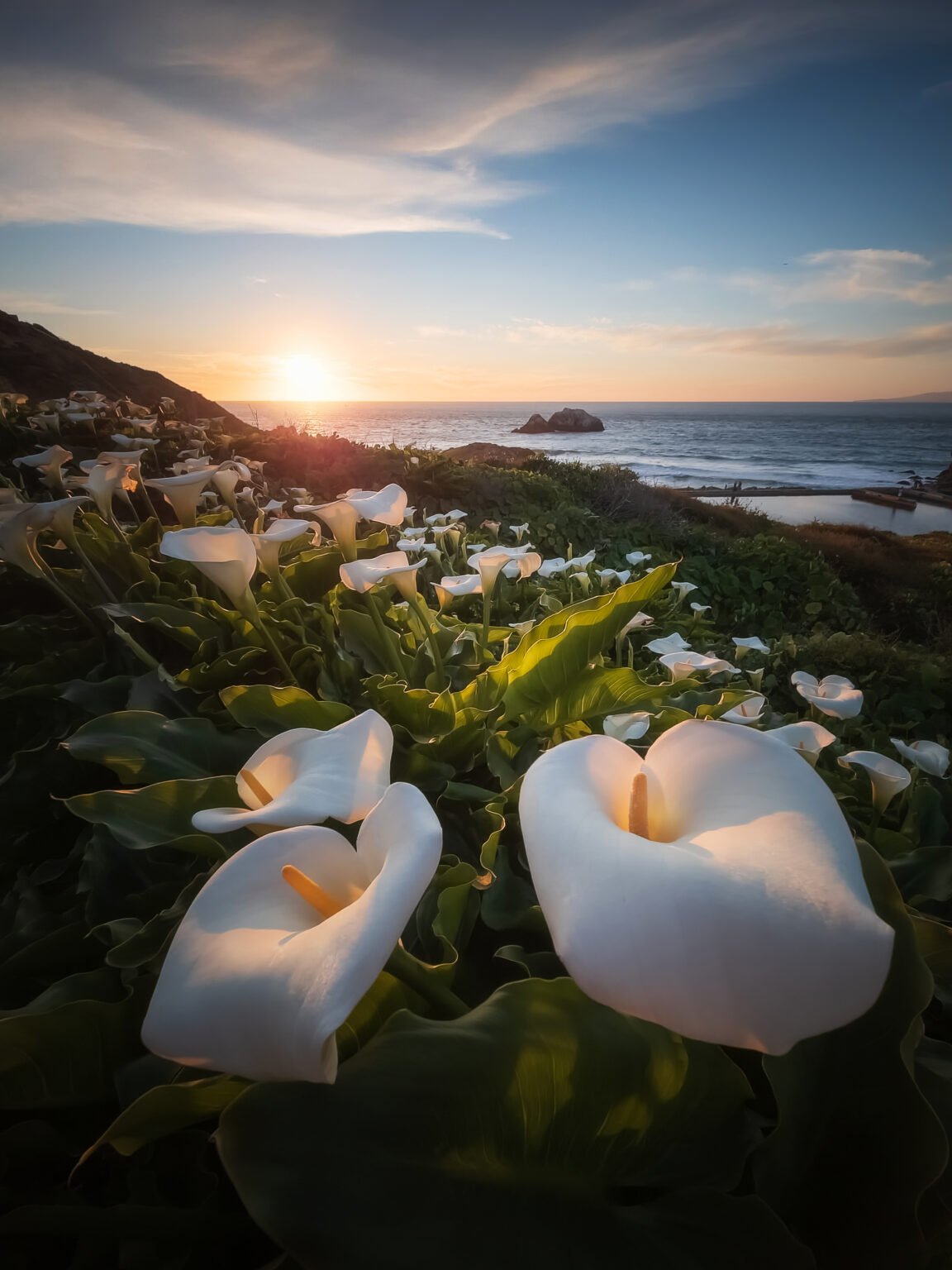
LIGHT, COLOR, AND DETAIL
Make more of the light you captured.
Refine the sky’s color and give the foreground more depth.
BEFORE / PHONE RAW
AFTER / FINISHED EDIT
Before you get started
Is this for iPhone or Android?
The course photographs were captured in RAW on iPhone and Samsung phones. You can apply the techniques to compatible RAW files from other phones too; capture options vary by phone and app.
Do the lessons show editing on a phone?
The demonstrations use Lightroom on a computer. You’ll see how I import and sync the photographs from my phone before editing.
What will I need?
A phone and camera app with RAW capture, plus Adobe Lightroom on a computer.
Who is this course for?
Anyone who wants more control over their phone photographs, from everyday scenes to landscapes and cityscapes captured while traveling.
IPHONE & ANDROID PHOTO EDITING
Edit your phone photos with me.
Watch me work through RAW files and tackle exposure, color, and composition problems. Then try the same approach on your own photographs.
10 video lessons · RAW capture, Lightroom editing, and export
$95 $50 USD
Add to Cart
Plus applicable taxes.