MICHAEL SHAINBLUM / FREE PHOTOGRAPHY EDUCATION
A FREE TUTORIAL WITH MICHAEL SHAINBLUM
Free Introduction
to Lightroom
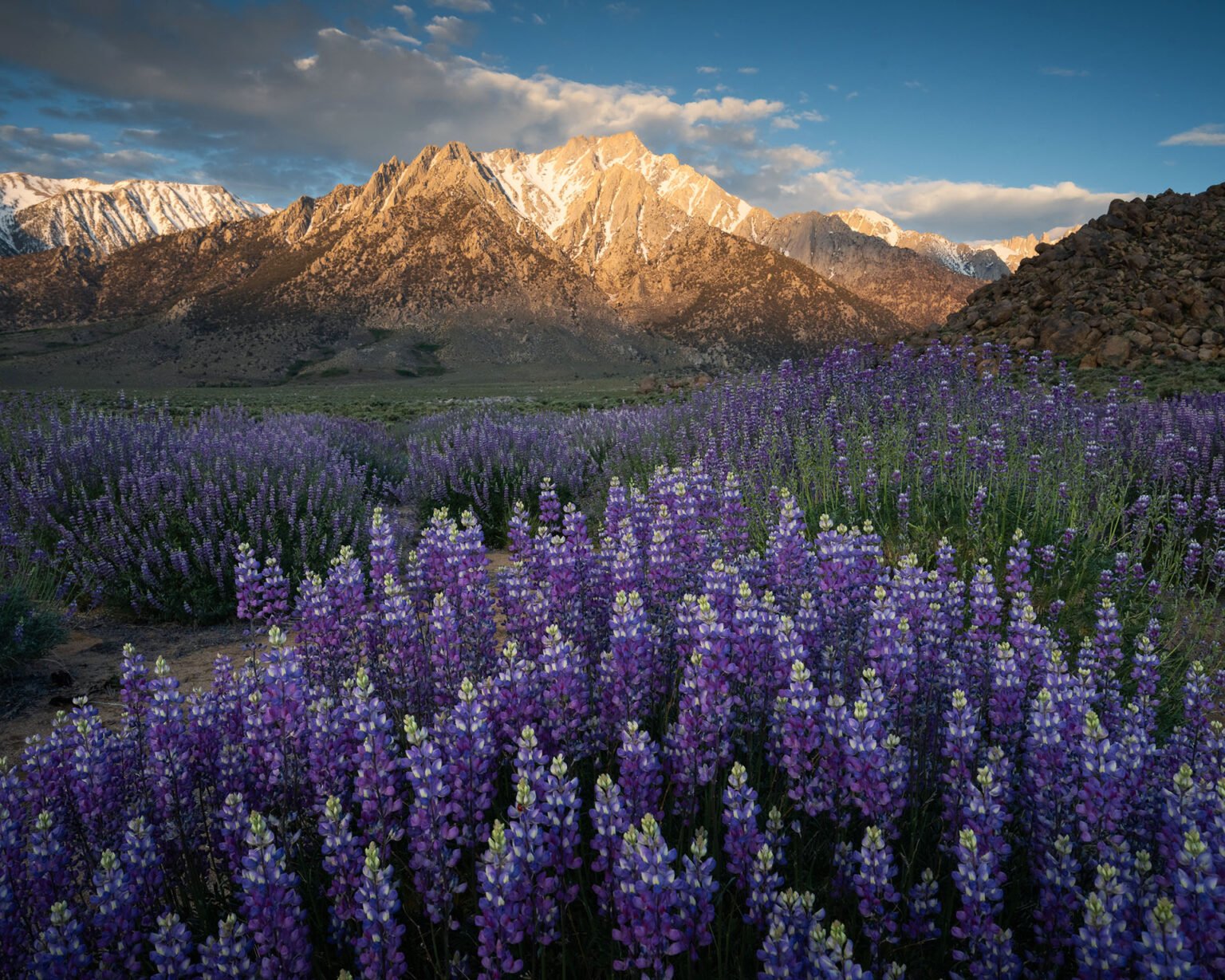
Bring back the light and color of a mountain sunrise. In this free 17-minute tutorial, I’ll take this lupine photograph from the starting RAW file to the finished edit in Lightroom Classic.
17 MINUTES / LIGHTROOM CLASSIC / BEGINNER FRIENDLY
ONE PHOTOGRAPH, FROM START TO FINISH
The photograph we’ll edit.
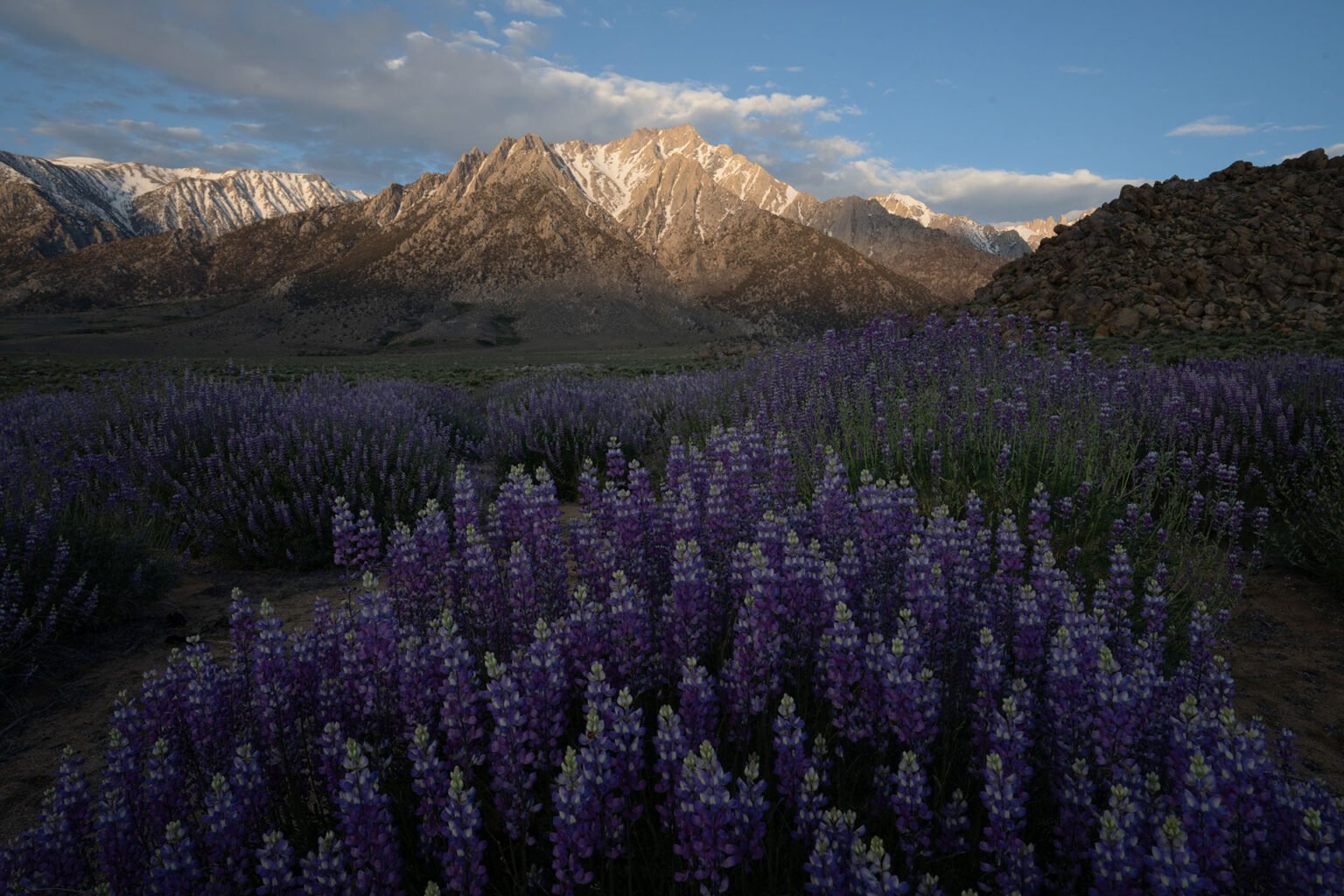
The starting file felt dimmer and less vivid than the sunrise I saw in person. I’ll show you how I bring out the flowers and mountain light while keeping control of the sky.
BEFORE
AFTER EDITING AND CROPPING
What I’ll show you
Build the starting edit
Use exposure, highlights, shadows, and the histogram to balance the RAW file.
Bring out the flower colors
Work with white balance, the Color Mixer, and subtle color grading.
Make selective adjustments
Brighten the lupines, darken the sky, and create a custom vignette with Lightroom masks.
Clean up and finish
Remove dust spots, refine sharpening and noise reduction, correct the lens, crop, and export for the web.
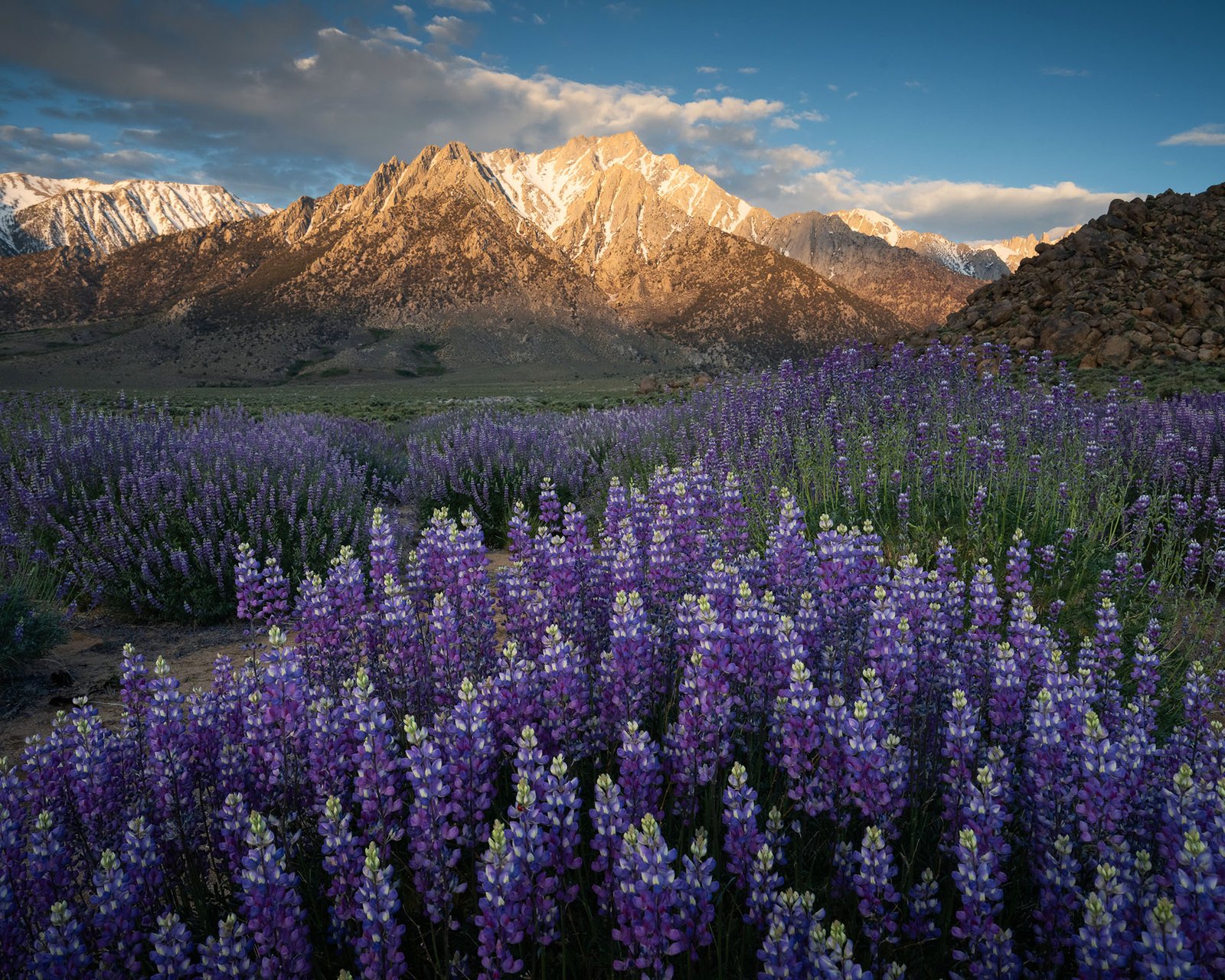
FREE LIGHTROOM TUTORIAL
Edit this photograph with me.
I’m a landscape photographer and filmmaker. In this tutorial, you’ll see the adjustments I make on a real photograph from one of my trips.
17 minutes · Lightroom Classic on a computer